
Upload Your MP4
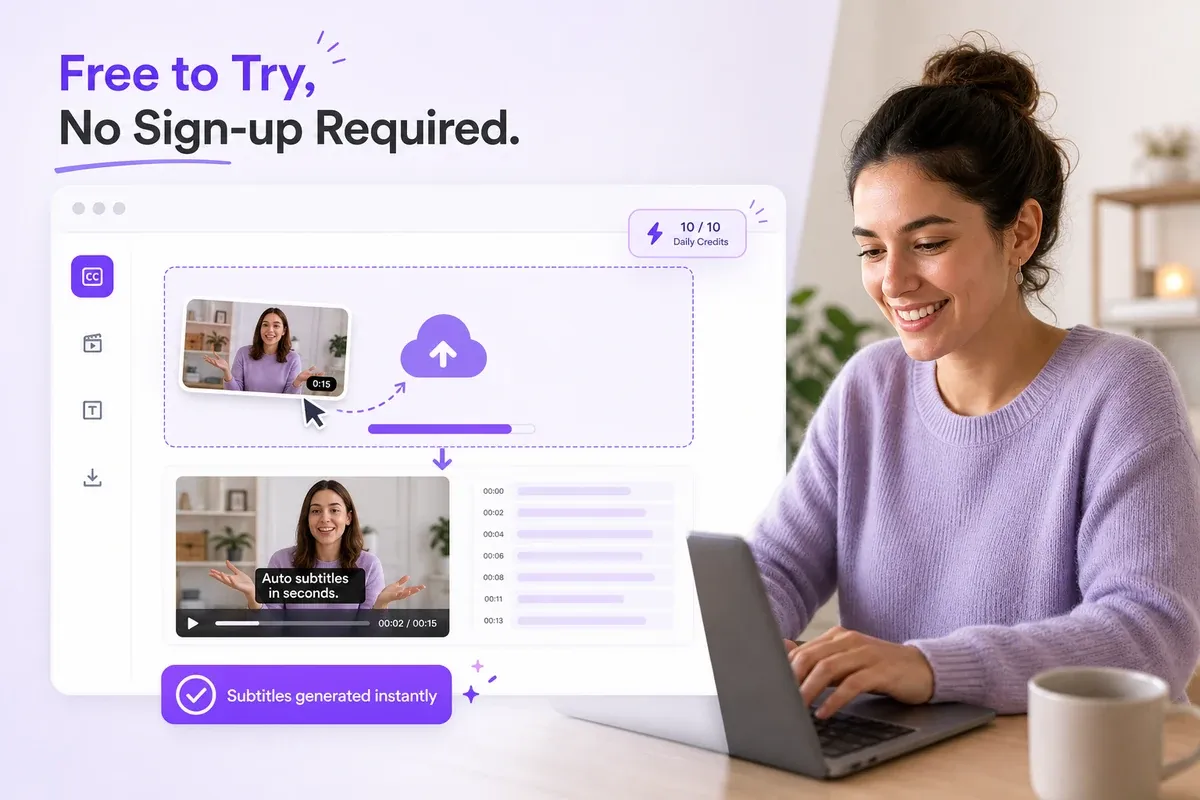
Choose an MP4 video from your device and select the language spoken in the recording.
Generate an editable transcript from any MP4 video in minutes. Upload your file, let AI transcribe the speech, correct names or timing, and export the result in the format you need.
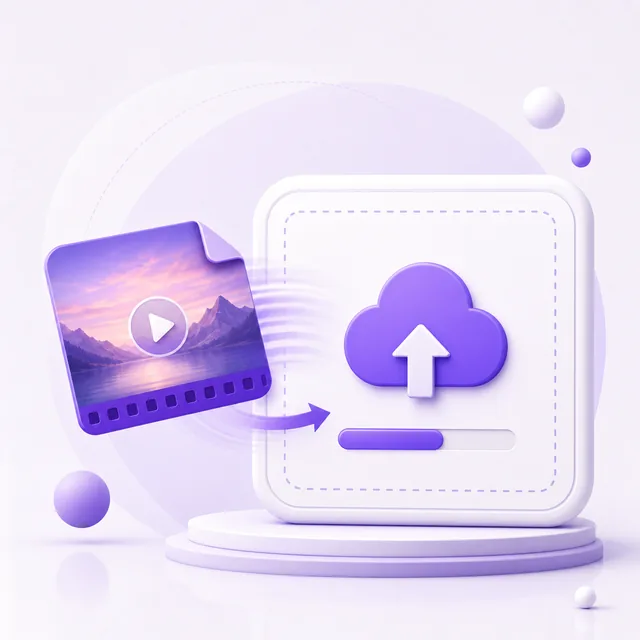
Choose an MP4 video from your device and select the language spoken in the recording.

Our AI extracts the spoken audio and creates an editable transcript with synchronized timestamps.
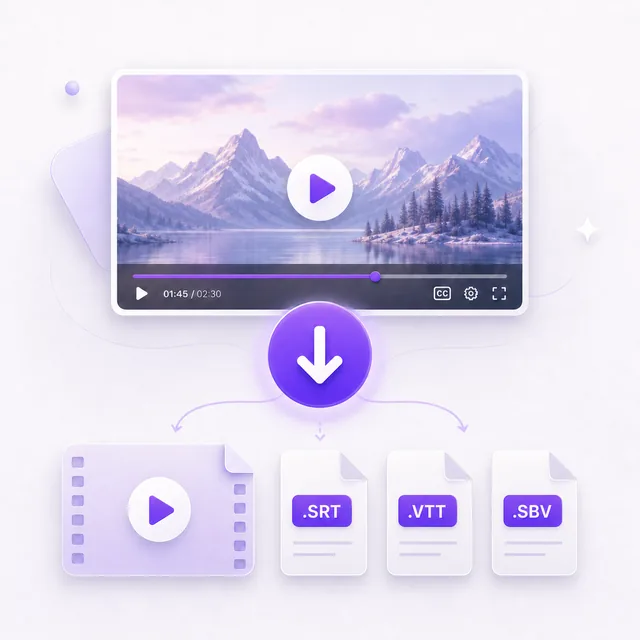
Copy the transcript, download TXT, or export timed captions as SRT, VTT, or SBV.
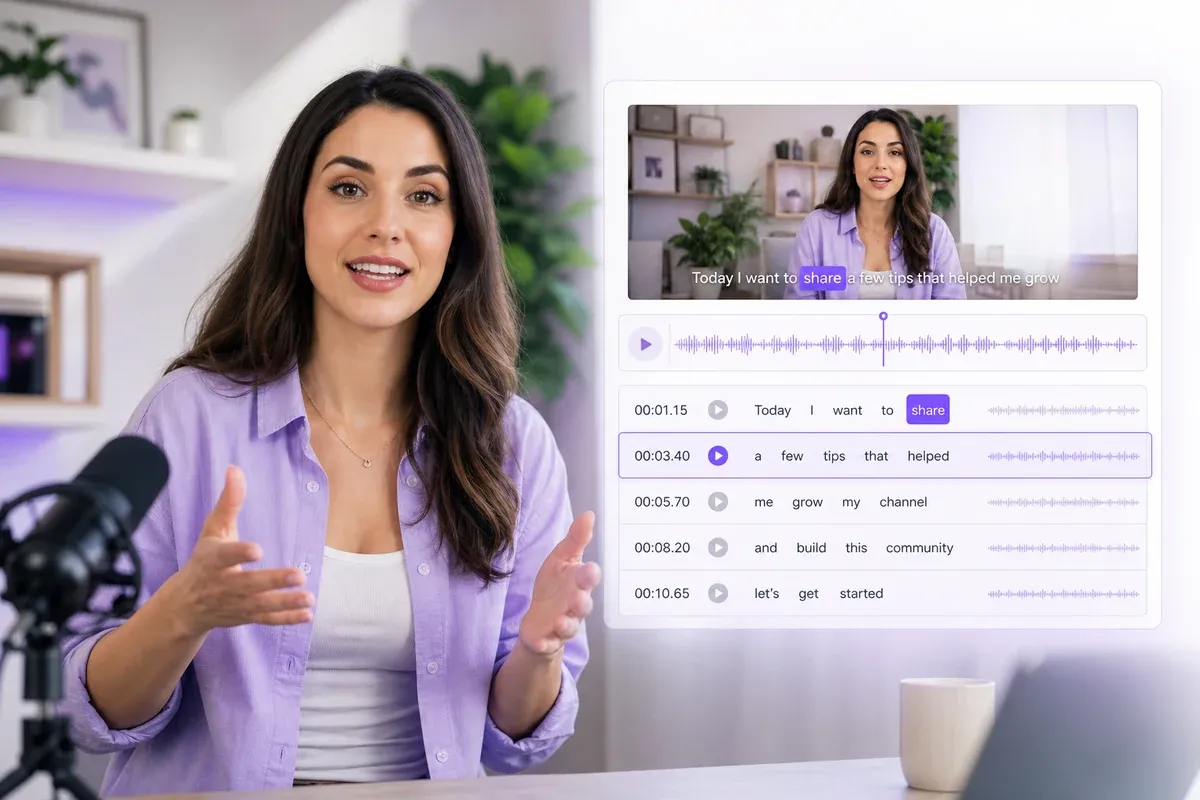
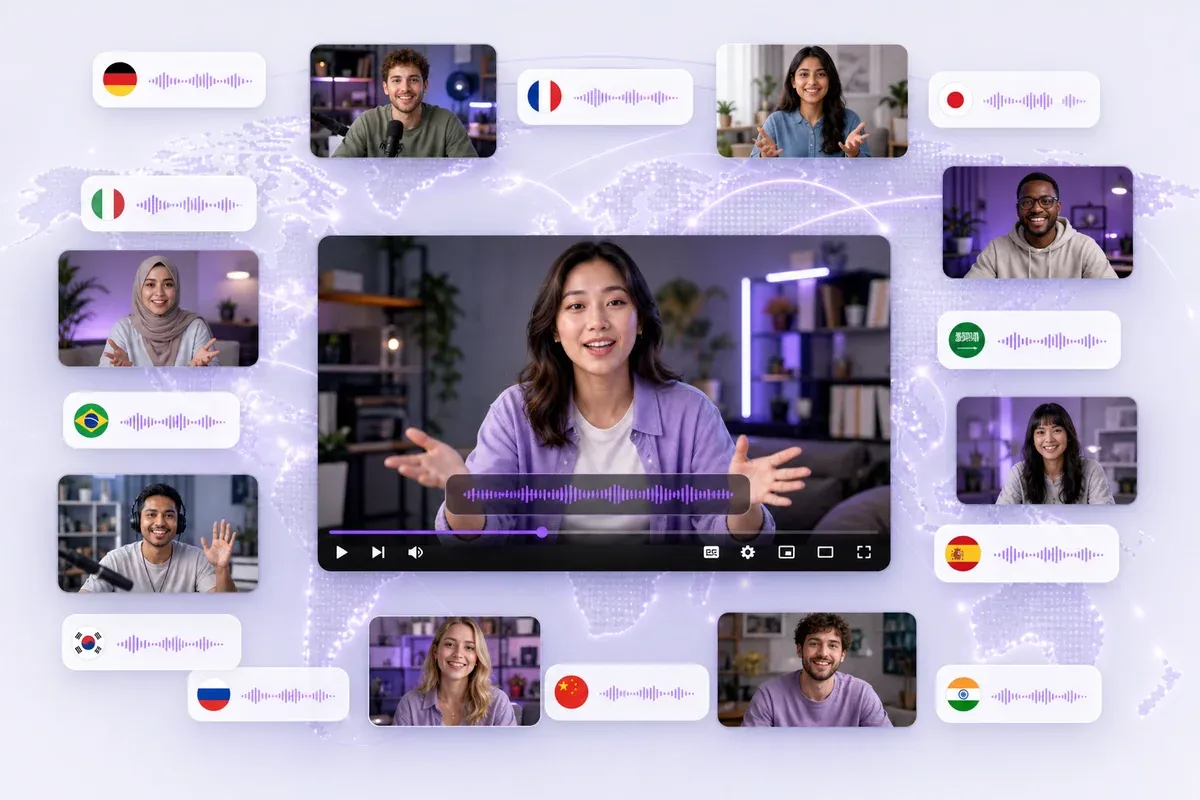

This MP4 to text converter turned a two-hour lecture into searchable study notes before my exam. I corrected a few course terms, then reviewed the sections I missed without replaying the entire class.

I had twelve recorded interviews for my thesis. The MP4 to text converter gave me editable transcripts I could code and quote instead of spending days typing every interview from scratch.

Reading the transcript while replaying short parts of the video helps me understand spoken English. I can correct unfamiliar words, save the text, and turn useful phrases from each lesson into study material.

Our remote meetings are saved as MP4 files. This MP4 to text converter makes it easier to find decisions, confirm what was discussed, and prepare follow-up notes without rewatching every hour-long call.

I use this free MP4 to text converter to pull quotes from recorded interviews. I can search for relevant answers, check them against the video, and move the approved wording into my article.

I turn long tutorial videos into blog posts, captions, and short social content. Starting with the transcript helps me find the strongest explanations and reuse them without manually typing the original video script.