How to Translate YouTube Video into Multiple Languages
Contents
- What “Translate YouTube Video” Really Means for Creators
- Why Only Making English Videos Is Quietly Limiting Your YouTube Income
- Translate YouTube Video — Platform Features Explained
- How to Translate YouTube Video into Multiple Languages with AI Dubbing
- Translate YouTube Video — Strategy and Practical Tips
- Who Should Translate YouTube Video First
- Conclusion: Make “Translate YouTube Video” a Default Habit
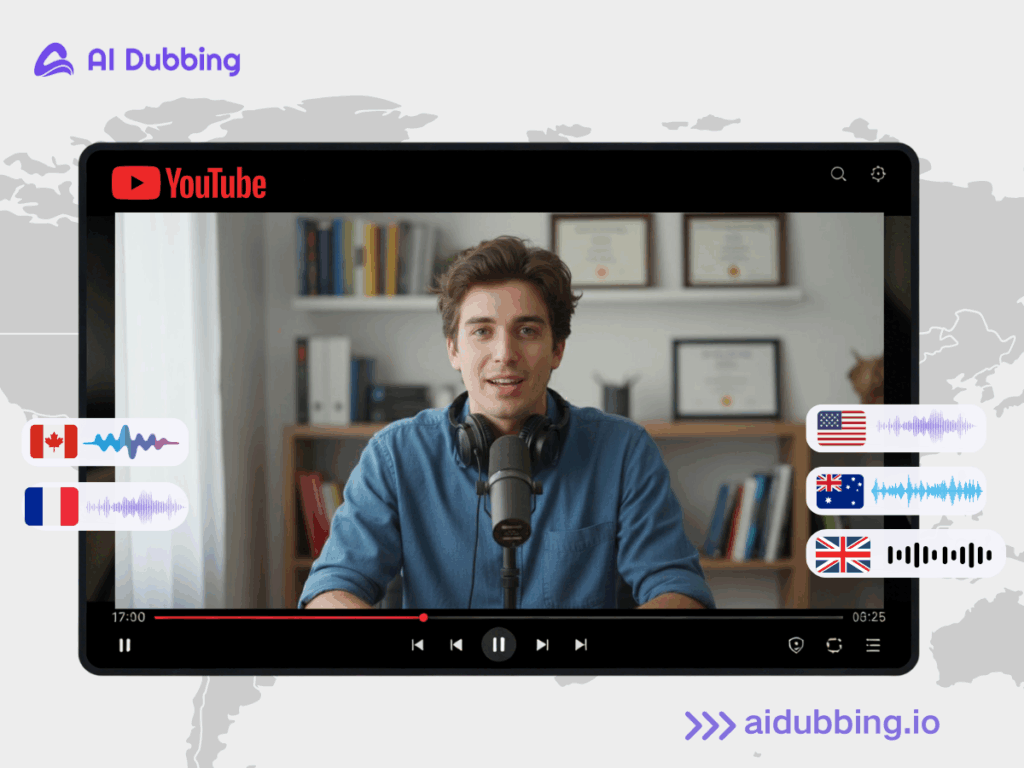
Most YouTube creators don’t have a content problem. They have a distribution problem. Every week, thousands of creators upload high-quality videos in English—tutorials, reviews, explainers, podcasts—only to discover that growth slows down after a certain point. The content is solid, the editing is good, but views and revenue stop scaling.
Here’s the part most creators overlook: The same video can perform far better when it’s available in multiple languages.
In YouTube’s own multi-language audio pilot, creators who added dubbed audio tracks saw over 25% of their total watch time come from viewers watching in a non-original language. That growth didn’t come from uploading more videos—it came from making existing videos understandable to a wider audience.
Your audience is already global—you just need a practical way to translate YouTube video content into multiple languages without re-recording or rebuilding your workflow. That’s exactly what this guide will show you.
What “Translate YouTube Video” Really Means for Creators
For creators, Translate YouTube Video does not simply mean adding subtitles.
It means:
- Viewers in other languages can discover your video
- Your content can be recommended in different regions
- Your message can be understood instantly, without effort
In practice, when creators translate YouTube video content properly, they are not creating “versions.”
They are unlocking parallel audiences for the same video.
This shift—from single-language publishing to multi-language distribution—is one of the most underused growth levers on YouTube today.
Why Only Making English Videos Is Quietly Limiting Your YouTube Income
Some of the clearest evidence comes from creators who tested multi-language audio early.
On chef Jamie Oliver’s channel, adding multi-language audio tracks helped certain videos reach around three times more views. Creators like MrBeast and Mark Rober now publish videos with dozens of language versions, allowing fans across different countries to watch at the same time instead of waiting for reuploads.
The insight here is simple:
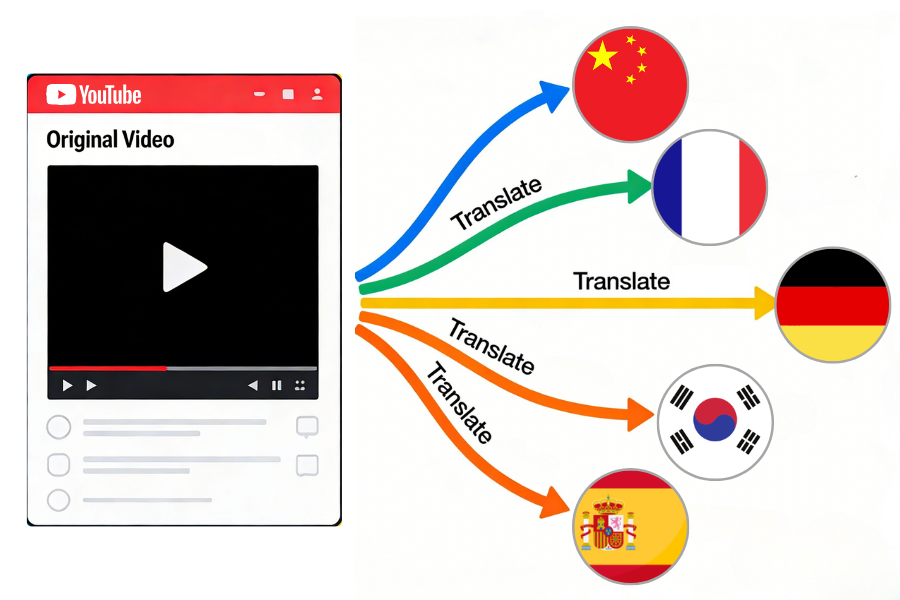
When you translate YouTube video content, you remove friction between your content and global viewers.
YouTube’s recommendation system is “local-first.”
YouTube doesn’t just recommend good videos—it recommends relevant videos. Relevance includes: Viewer language, Region, Watch behavior within that language group.
If a viewer primarily watches content in Spanish, a video available in Spanish has a far higher chance of being surfaced. Translating a YouTube video increases its chances of entering those local recommendation pools.
Click decisions are language-driven, not just content-driven
Even strong thumbnails and titles lose impact when the language feels foreign.
Creators often underestimate this moment, the split-second when a viewer decides whether the video is “for me.” When you translate YouTube video titles, audio, and subtitles together, that decision becomes effortless for the viewer.
Multi-language videos create content compounding
A single-language video has one lifecycle. A translated YouTube video has multiple overlapping lifecycles, each driven by a different audience group. Over time, this creates compounding returns from the same piece of content—without producing more videos.
Translate YouTube Video — Platform Features Explained
According to the official Google introduction, currently, multilingual audio tracks are only available to certain creators with advanced feature access. More importantly, YouTube does not automatically create dubbed audio for you. You must record or generate each dubbed track yourself before uploading it.
If an automatic dub already exists for a language, you even need to delete it before replacing it with your own version.
In short:
- YouTube helps you host multi-language audio
- YouTube does not help you create it
That’s why creators who want to truly translate YouTube video content—beyond subtitles—turn to AI Dubbing. Without them, translating YouTube video audio at scale simply isn’t realistic.
How to Translate YouTube Video into Multiple Languages with AI Dubbing
This workflow reflects how most creators actually use AI Dubbing to translate YouTube video content—fast, repeatable, and without changing their existing editing setup.
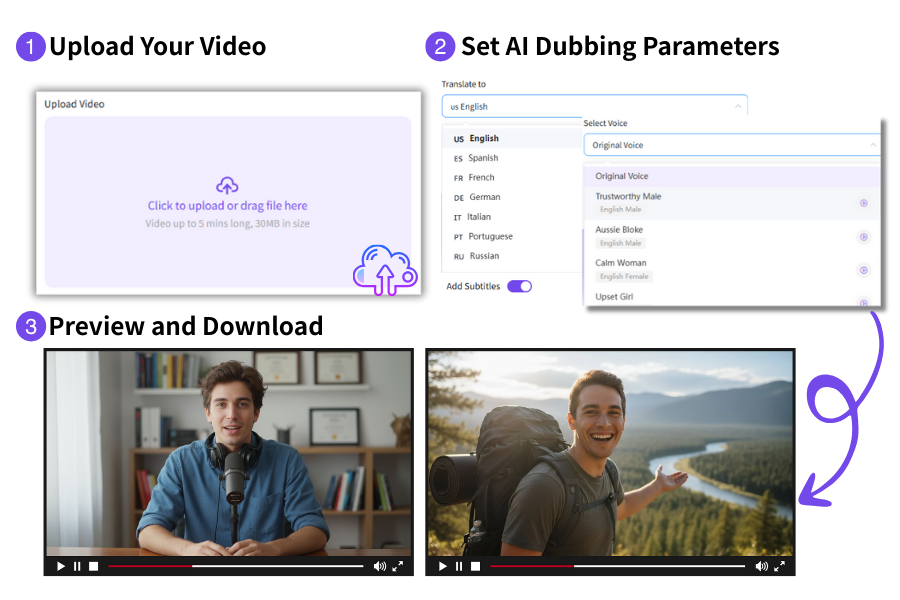
Step 1 — Upload Your Video
To get started, simply upload your original YouTube video into the AI Dubbing tool.
No extra preparation is needed—just your video file. Once uploaded:
- The spoken content is ready for translation
- Timing and pacing stay natural in the new language
This step is more important than many creators realize. A well-prepared video ensures high-quality results in the translated version.
Step 2 — Set AI Dubbing Parameters for Translation
Next, you define how your translated YouTube video should sound and look.
Inside AI Dubbing, you choose:
- The target language you want to translate YouTube video audio into
- Whether to clone the original speaker’s voice or select a different AI voice
- Whether subtitles should be added automatically
Voice choice has a direct impact on retention. If your channel is personality-driven, voice cloning helps the translated YouTube video still feel like it’s coming from you. For faceless or high-volume channels, AI voices often offer faster scaling with consistent quality.
Step 3 — Preview and Download Your Translated YouTube Video
Once processing is complete, AI Dubbing generates a fully translated version of your YouTube video.
At this stage, you can:
- Preview the translated YouTube video before exporting
- Check subtitle timing and readability
- Download the final video in the format you need
AI-powered lip-sync automatically adapts the speaker’s mouth movements to the new language. This avoids the flat, mismatched look typical of traditional dubbing and helps viewers stay immersed in the content.
Translate YouTube Video — Strategy and Practical Tips
Translating YouTube video content works best when paired with a smart strategy.
- Start small and test first. Begin with 2–3 languages where your audience is strongest, and observe performance for a few weeks.
- Be consistent. Regularly translating YouTube video uploads builds momentum, letting audiences in different regions engage continuously.
- Choose voice strategy carefully. Decide whether to clone your original voice or use AI voices. Voice cloning maintains your channel’s personality, while AI voices allow faster scaling across multiple languages.
- Track metrics by language. Monitor views, watch time, and engagement separately for each language version. Let real data guide which languages to expand next.
Who Should Translate YouTube Video First
Not every creator needs to translate YouTube video content immediately—but for many, it can unlock significant growth.
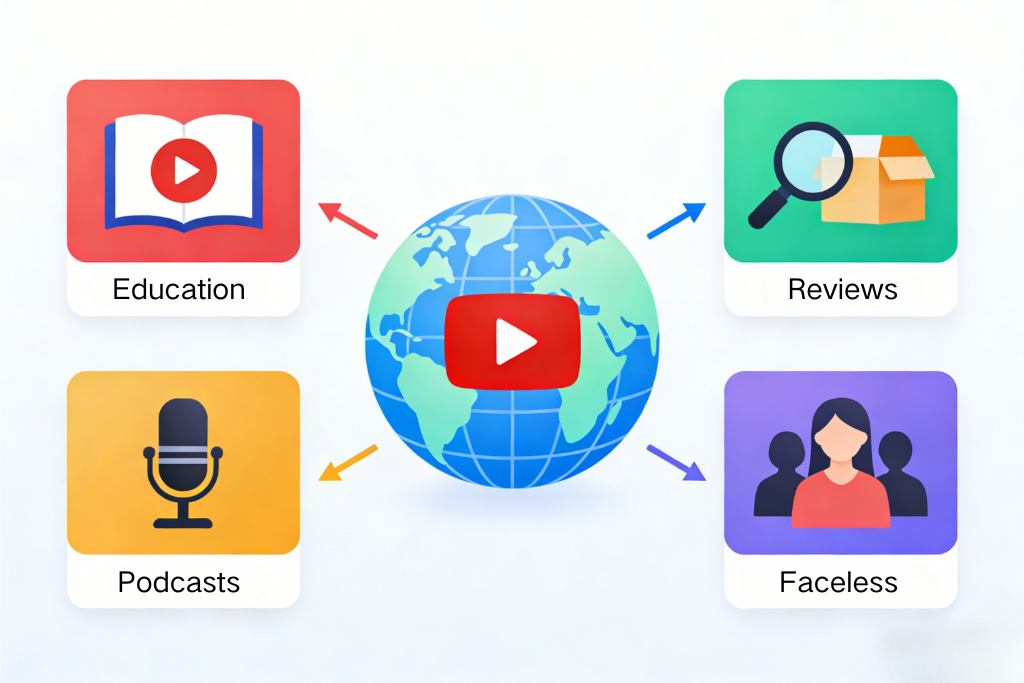
This strategy works especially well for channels where the core value comes from information and ideas, rather than highly localized humor or pop culture references. Examples include:
- Educational and tutorial creators: How-to guides, courses, and skill-based videos often have universal appeal. Translating YouTube video content allows learners in other countries to benefit from your expertise.
- Explainer and review channels: Product reviews, tech explainers, and comparisons are often relevant across borders. Translating these videos can increase views and build credibility in new markets.
- Talking-head or podcast-style content: Channels that rely on direct communication, interviews, or discussions can reach a wider audience when dubbed or subtitled in multiple languages.
- Faceless or semi-faceless channels: Animation, screen recordings, or voice-over-only content can be translated easily without worrying about lip-sync challenges or personality loss.
In general, if your content is information-rich and globally relevant, translating YouTube video content usually has a high impact. Even a few translated languages can significantly expand your reach, attract international subscribers, and increase overall engagement—all without producing additional original content.
Conclusion: Make “Translate YouTube Video” a Default Habit
You don’t need to upload more videos to grow globally. You need to let your existing videos travel further—and reach viewers who speak different languages.
When Translate YouTube Video becomes part of your default workflow, each upload stops being a one-time event and starts becoming a long-term asset—working across languages, regions, and audiences. This is where AI Dubbing comes in. By automatically generating natural, lip-synced voice-overs in multiple languages and syncing subtitles, AI Dubbing lets your videos speak to a global audience without extra recording or editing.