PDF to Speech for Learning: How to Turn Materials into Audio
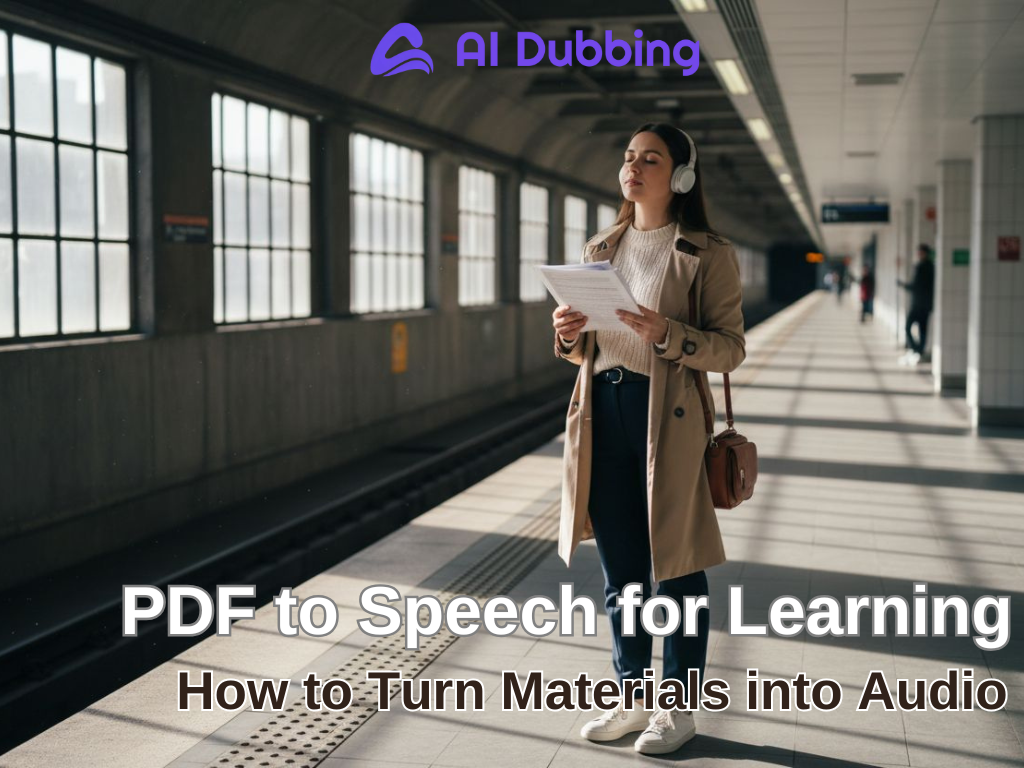
In today’s fast-paced world, learning often happens in snippets—between meetings, commutes, or coffee breaks. PDFs are everywhere, but reading them takes time, focus, and energy. For content creators, marketers, remote educators, and global learners, the challenge is universal: how to absorb knowledge efficiently without being glued to a screen.
This is where AI Audiobookcomes in. By converting dense PDF to Speech, learners can transform their document into listenable content. Tools like AIDubbing make it easy to convert PDF to audio, providing natural, human-like voices for a flexible and sustainable learning experience.
Understanding PDF to Speech and Its Learning Benefits
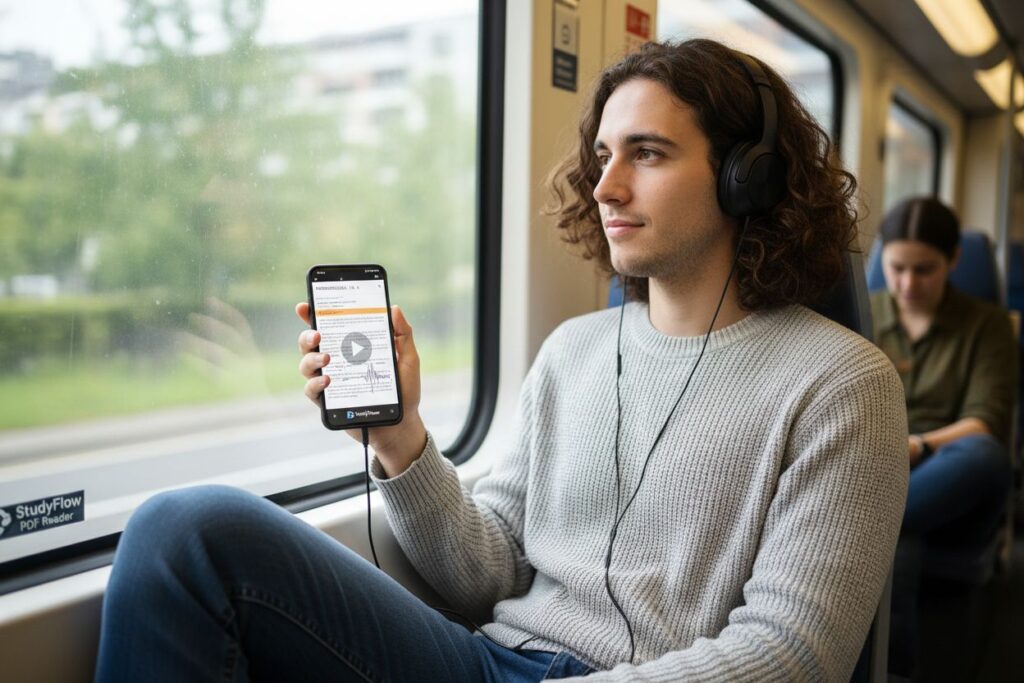
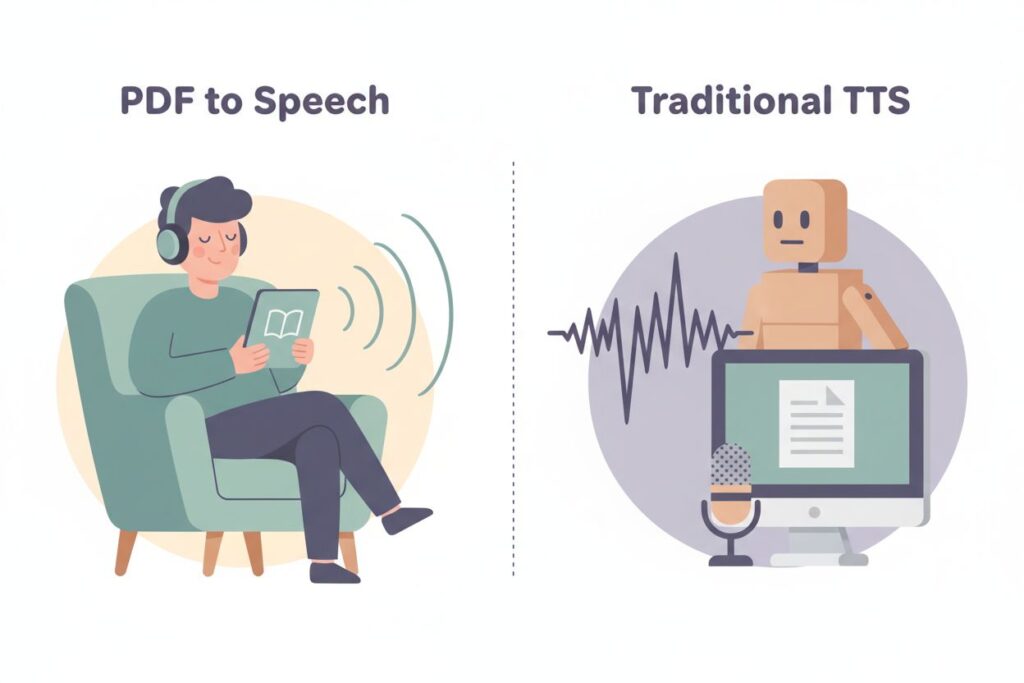
PDF to Speech is a learning-focused technology that converts PDF documents into spoken audio,platforms such as AIDubbing apply PDF to Speech, making it easier to convert structured PDF to audio that people can actually learn from. By turning PDF to audio files, learners can listen instead of read, making study materials easier to consume during daily activities.Unlike basic TTS tools that simply read short text aloud, PDF to Speech is built to handle long-form study materials—such as textbooks, research papers, lesson notes, and scripts—and convert them into structured, natural-sounding audio.
1.What PDF to Speech Actually Is
In earlier generations of TTS, converting a PDF to audio often resulted in flat, robotic narration that was difficult to listen to for more than a few minutes. Today, however, AI-driven PDF to Speech systems can produce smooth, expressive voices suitable for extended study sessions and even audiobook-style listening.The process usually involves two key stages, both of which directly affect the quality of the final listening experience.
- Text Extraction: PDFs often contain complex layouts, tables, and images. A quality tool must accurately extract readable text without errors.
- Speech Synthesis: Once text is extracted, AI-driven engines transform it into natural-sounding audio. Modern solutions, like AIDubbing, provide expressive, human-like voices that make long-form listening comfortable.
2.What Makes a PDF to Speech Tool Effective for Audio-Based Learning
Not all PDF to Speech tools are created with learning in mind. Some are built for quick demos or accessibility testing, but fall short when used for real study or content creation. When evaluating a tool, learners, educators, and content creators tend to focus on a few practical factors.
- Voice quality matters first. The audio should be clear, natural, and comfortable to listen to over time, without the stiff rhythm commonly associated with older TTS systems.
- Ease of use also plays a major role. Converting PDF to audio should feel intuitive, not technical. Uploading files, selecting voices, and generating audio should take minutes—not a learning curve of its own.
- Finally, flexibility matters. Being able to adjust speech speed or pacing can significantly improve comprehension, particularly for complex or academic content.
When these elements come together, PDF to Speech becomes more than a technical feature—it becomes a practical learning tool.
How to Convert PDF to Audio for Studying
The real value of PDF to Speech is not hidden in complicated workflows. In fact, the technical steps to convert PDF to audio are intentionally simple.
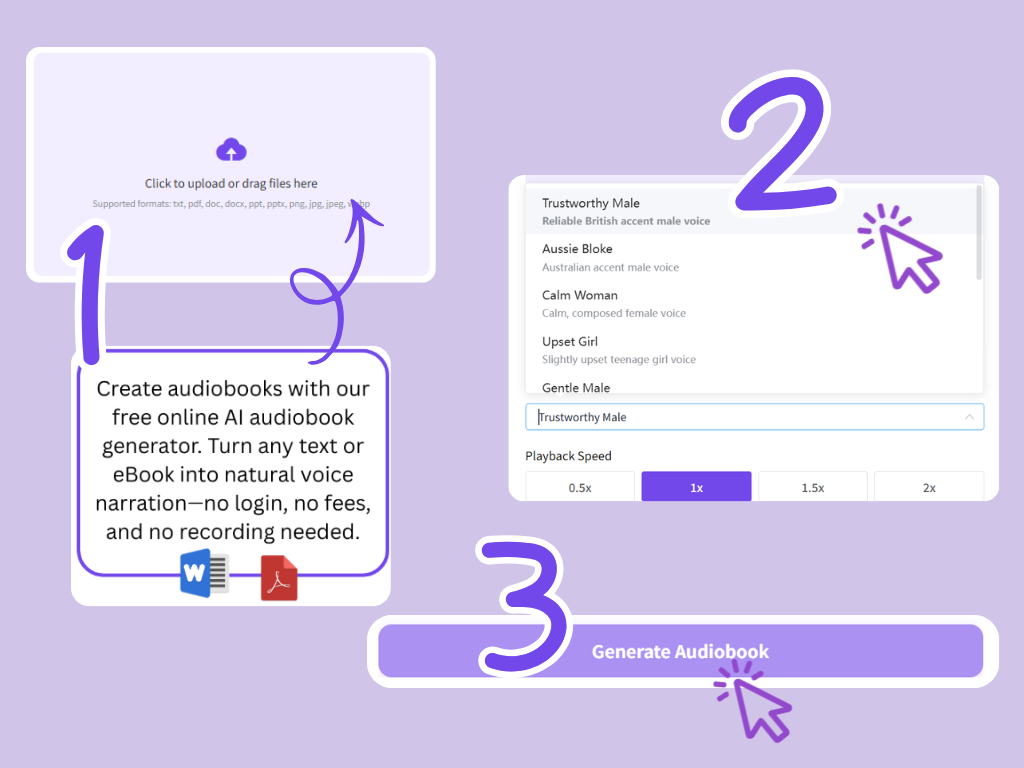
Step 1 – Upload Your Study PDF
Choose your PDF, DOCX, or TXT file and upload it. Well-structured documents, such as lesson notes or reports, produce the best listening experience. With AIDubbing, text is automatically extracted and prepared for narration, ensuring a seamless transition from document to audio.
Step 2 – Choose Natural AI Voices
Pick a voice that matches your content. Calm, professional voices suit academic texts; energetic voices suit tutorials or marketing guides. Adjust speed if necessary. This personalization ensures your PDF to audio experience is engaging and comfortable for long sessions.
Step 3 – Convert PDF to Audio and Build a Listening Routine
Preview the audio, then download your MP3. Most importantly, create a listening habit. Ten minutes of focused audio daily often surpasses an hour of distracted reading. By integrating PDF to Speech into your workflow, knowledge absorption becomes effortless and habitual.
Real-Life Learning Scenarios Using PDF to Speech
PDF to Speech shows its real value not in theory, but in how people actually learn day after day. Across different roles and industries, the same tension appears again and again: there is always more to learn, but traditional reading simply does not scale with modern schedules.
What changes after people start using PDF to Speech is not just how they consume content, but how often learning realistically happens. When documents can be listened to, learning stops competing with daily life and starts fitting into it.
Below are the most common real-world learning scenarios where PDF to Speech consistently makes a measurable difference.
1.Content Creators: Turning Research PDFs to Actionable Insights
Content creators and overseas marketers constantly face PDF overload: research papers, reports, scripts, or product documentation. Reading, highlighting, and re-reading breaks focus and slows creativity.
Reading reference PDFs often becomes fragmented. Creators skim, highlight, forget, then return to the same document days later to reread the same sections. This cycle wastes time and breaks creative flow.
By using AIDubbing to convert PDF to audio, PDF to Speech changes this dynamic.
- Listen to key materials while outlining scripts or planning campaigns
- Reinforce ideas without repeatedly checking documents
- Free up visual attention for creative tasks
This approach turns passive PDFs into active knowledge tools, increasing both efficiency and comprehension.

2.Remote Educators: Scaling Learning Beyond Live Sessions
Remote education depends heavily on PDF materials. Lesson notes, reading assignments, and supplementary resources are commonly distributed as documents. However, not all learners engage with them equally.
PDF to Speech helps educators extend learning beyond live classes. With PDF to Speech, teachers can:
- Provide audio versions of PDFs for students to listen anytime
- Support repetition and retention for diverse learners
- Reach students across time zones without additional effort
This use of PDF to audio fosters inclusivity, allowing students with fatigue, attention challenges, or language barriers to learn effectively.
3.Non-Native Speakers and Global Learners: Hearing Improves Understanding
For non-native speakers, listening comprehension often develops more slowly than reading. Even familiar vocabulary can feel difficult to process when spoken aloud.This is why PDF to Speech should not be framed as a “faster” way to understand content
When learners choose to convert PDF to audio with tools like AIDubbing, they often use it selectively:
- Listening after reading to check pronunciation and sentence flow
- Replaying difficult sections at a comfortable pace
- Using slower speech speed to reduce listening pressure
In this context, PDF to Speech does not promise improved comprehension overnight. What it provides is control. Learners decide when to listen, what to replay, and when to rely on text instead.Over time, this flexibility reduces frustration rather than increasing it—especially for global learners who need space to build confidence gradually.
Frequently Asked Questions About AI Audiobook
Q1:What file formats are supported by the AI audiobook translator?
A:While PDF to Speech is the most common use case, modern AI audiobook tools are designed to handle far more than PDFs.AIDubbing’s AI audiobook generator supports multiple document and image formats, allowing users to convert content into audio from a wide range of sources, including:
- Text documents: TXT, DOC, DOCX
- Presentation files: PPT, PPTX
- Portable documents: PDF
- Image files: PNG, JPG, JPEG, WEBP
Q2:Why can’t my PDF file extract text correctly?
A:This is one of the most common issues users encounter when using PDF to Speech tools.
When you convert PDF to audio, the system may not extract meaningful text because:
- Text is embedded inside images instead of standard text layers
- The PDF was created from scanned images rather than digital text
- The document contains complex layouts, charts, or tables
Q3:How long does it take to convert PDF to audio?
A:Modern AI-based PDF to Speech tools automatically extract text and generate narration without manual setup. In most cases, converting PDF to audio takes only a few minutes, depending on file length and voice selection.
Q4:Can I use PDF to Speech for audiobooks or long listening sessions?
A:Yes—many users already do.When the PDF contains structured, continuous text (such as ebooks, essays, or learning guides), converting PDF to audio creates an experience similar to an audiobook. The key factors are voice quality, pacing, and file length.This is why modern PDF to Speech tools focus on natural-sounding voices and adjustable speech speed, allowing longer sessions without listener fatigue.
Start Using PDF to Speech to Learn Smarter, Not Harder
PDF to Speech is not about shortcuts—it is about sustainability. AIDubbing simply make that sustainability easier to maintain, by helping learning adapt to real schedules, real energy levels, and real lives.By choosing to convert PDF to audio, learners protect their focus, reclaim time, and build habits that last. Whether you learn for work, creativity, or enjoyment, PDF to Speech helps learning fit life, not fight it.