
Step1: Upload Your Video
Click to upload your video file. Supports MP4, MOV, AVI and other common formats. The video volume booster will analyze your audio automatically once uploaded, preparing it for smart enhancement with no extra steps.
Struggling with quiet or uneven audio in your videos? Our free Video Volume Booster enhances
sound levels in seconds — no technical skills needed. Just upload, amplify, and download clearer,
louder audio without distortion. Perfect for vlogs, tutorials, interviews, and more!
Drop your video here or click to browse
Supports MP4, WebM, MOV and more
Enhance audio quality
Remove background noise
Your boosted videos will appear here
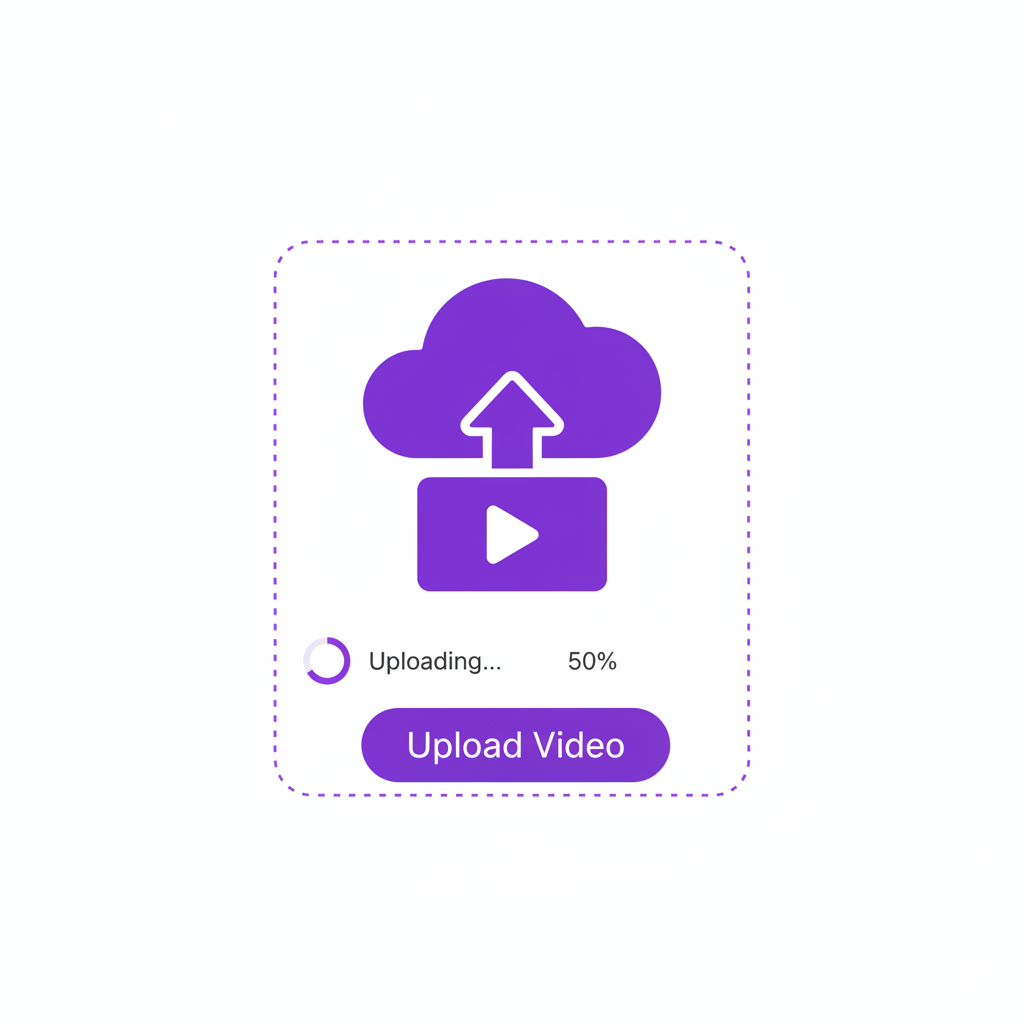
Click to upload your video file. Supports MP4, MOV, AVI and other common formats. The video volume booster will analyze your audio automatically once uploaded, preparing it for smart enhancement with no extra steps.
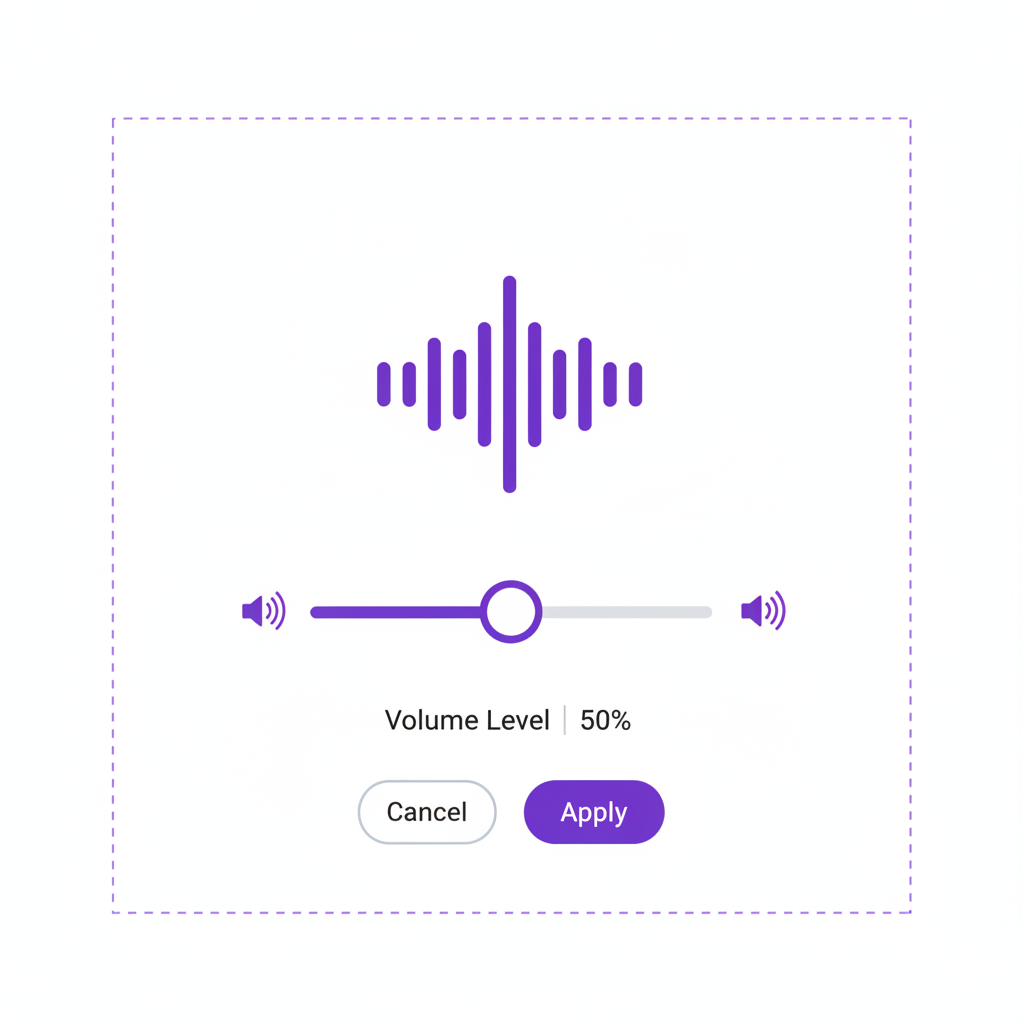
Adjust the slider to boost audio to your preferred loudness. With the video volume booster, AI intelligently enhances quiet sections, balances background music, and ensures every word is clear without distortion.
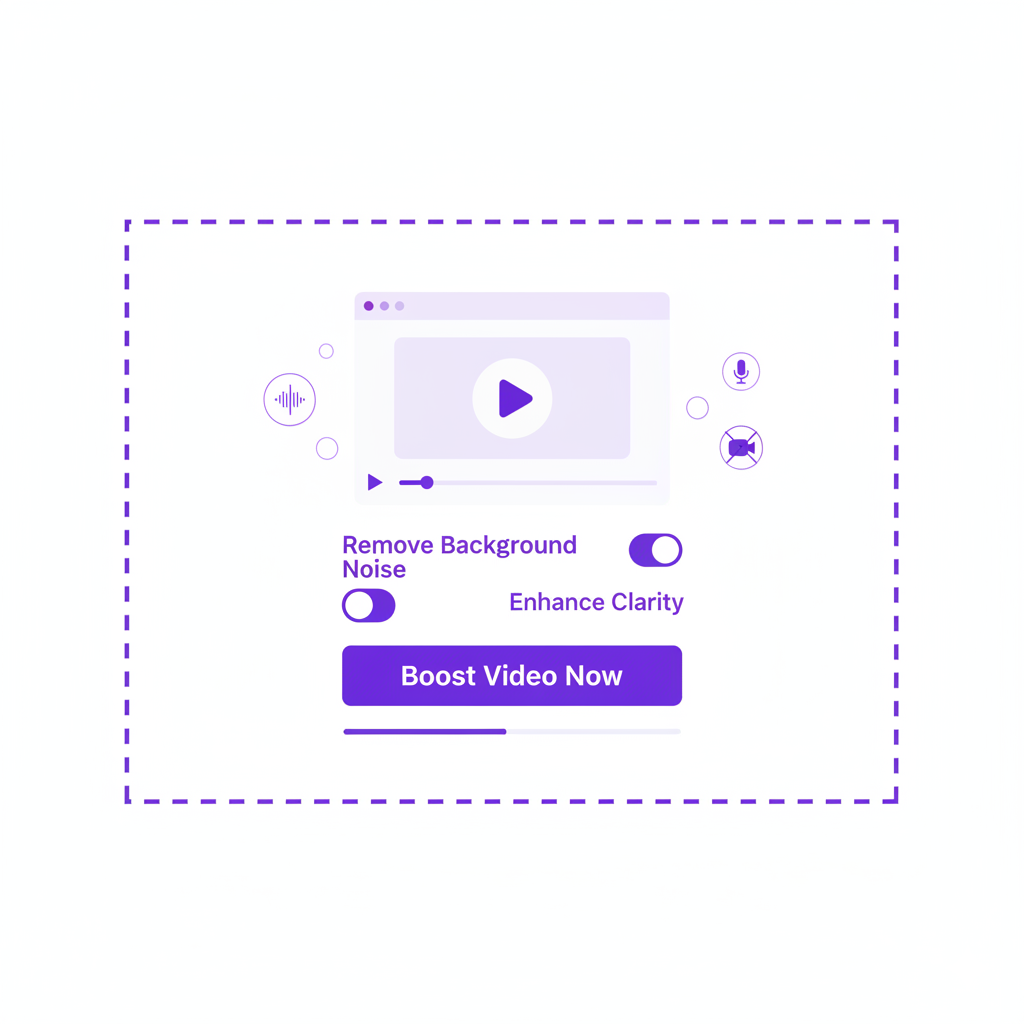
Enable 'Remove Background Noise' for cleaner sound, then click 'Boost Video Now' to process. The video volume booster quickly generates an enhanced version ready to download, so you get professional-quality audio in seconds.

“The Video Volume Booster made my podcast audio sound professional in seconds. No more struggling with quiet recordings! With this video volume booster, I can instantly enhance any episode, ensuring every listener hears every word clearly. It saves time and delivers consistent, high-quality audio effortlessly.”

“As a content creator, clarity is everything. This tool boosted my video perfectly while keeping background music balanced. Using the video volume booster regularly, I no longer worry about quiet segments or inconsistent audio levels, making my content more engaging and enjoyable for my audience.”

“I used it for my online course videos—students now say they can hear every word clearly, even on mobile devices! The video volume booster ensures that my lessons are audible and professional across all devices, making teaching more effective and saving me hours of manual adjustments.”

“Integrated seamlessly into my dubbing workflow. The volume boost is natural-sounding and saves me hours of manual editing. This video volume booster is now an essential tool in my studio, allowing me to maintain consistent audio quality across all projects without extra effort.”

“I use the video volume booster for my fitness coaching videos, and the clarity improvement is incredible. Even when I'm recording outdoors, the tool instantly enhances my voice without distorting the ambient sound. It saves me from re-recording sessions and keeps my content polished and professional.”

“Working in event videography means dealing with lots of unpredictable audio. This video volume booster consistently rescues low-volume clips and makes them usable. It’s become a must-have in my editing workflow, ensuring my clients always receive videos with clean, balanced audio.”