
No history available
AI Add Audio to Video — Smart and Realistic
Automatically generate realistic background sounds, effects, and ambience for any video with AI-powered audio generation.
Upload Your Video
Drag & drop or click to select
Upgrade to unlock longer playtime
Describe your audio
0/200
History Results
AI Add Audio to Video Demonstration
A car driving on the street
A man skateboarding in the park
A dog swimming in the pool
A fisherman fishing in the sea
Magical AI Add Audio to Video Tool
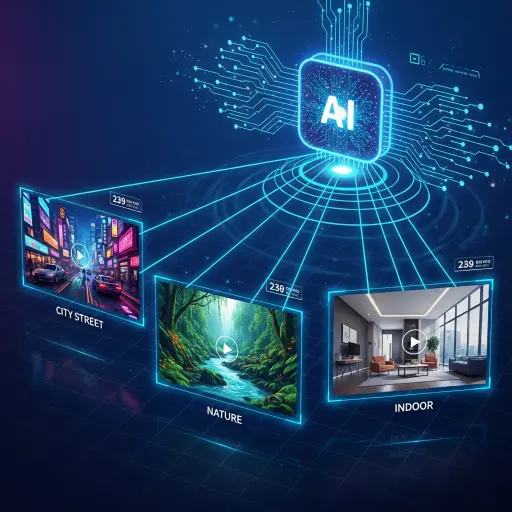
Scene Detection
Our AI automatically analyzes every frame of your video to understand its visual context — recognizing details such as environment, motion, and camera perspective. Whether it's a bustling city street, a tranquil forest, or a close-up indoor conversation, the system identifies what's happening on screen with remarkable accuracy. This intelligent Scene Detection ensures that every layer of sound — from ambient noise to subtle audio cues — feels natural, synchronized, and perfectly aligned with the visual storytelling.
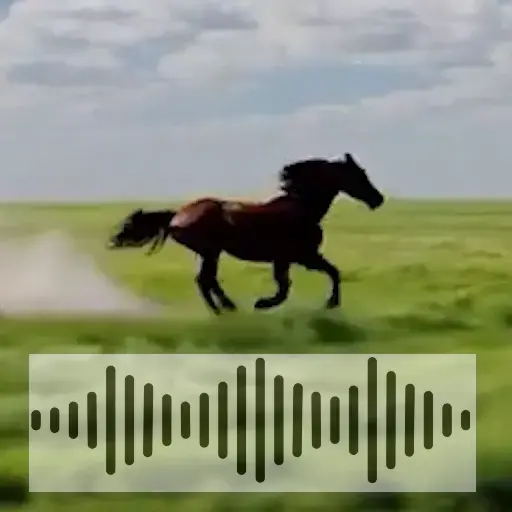
Auto Sound Match
With Auto Sound Match, the AI goes beyond simple sound placement. It intelligently selects and blends the most fitting audio elements for each detected scene — adjusting tone, intensity, and timing dynamically as the visuals change. The result is a perfectly balanced audio mix where footsteps, wind, traffic, or dialogue resonate in harmony with the visual flow. Every sound feels intentional, enhancing emotion and immersion without requiring manual editing or complex sound design work.
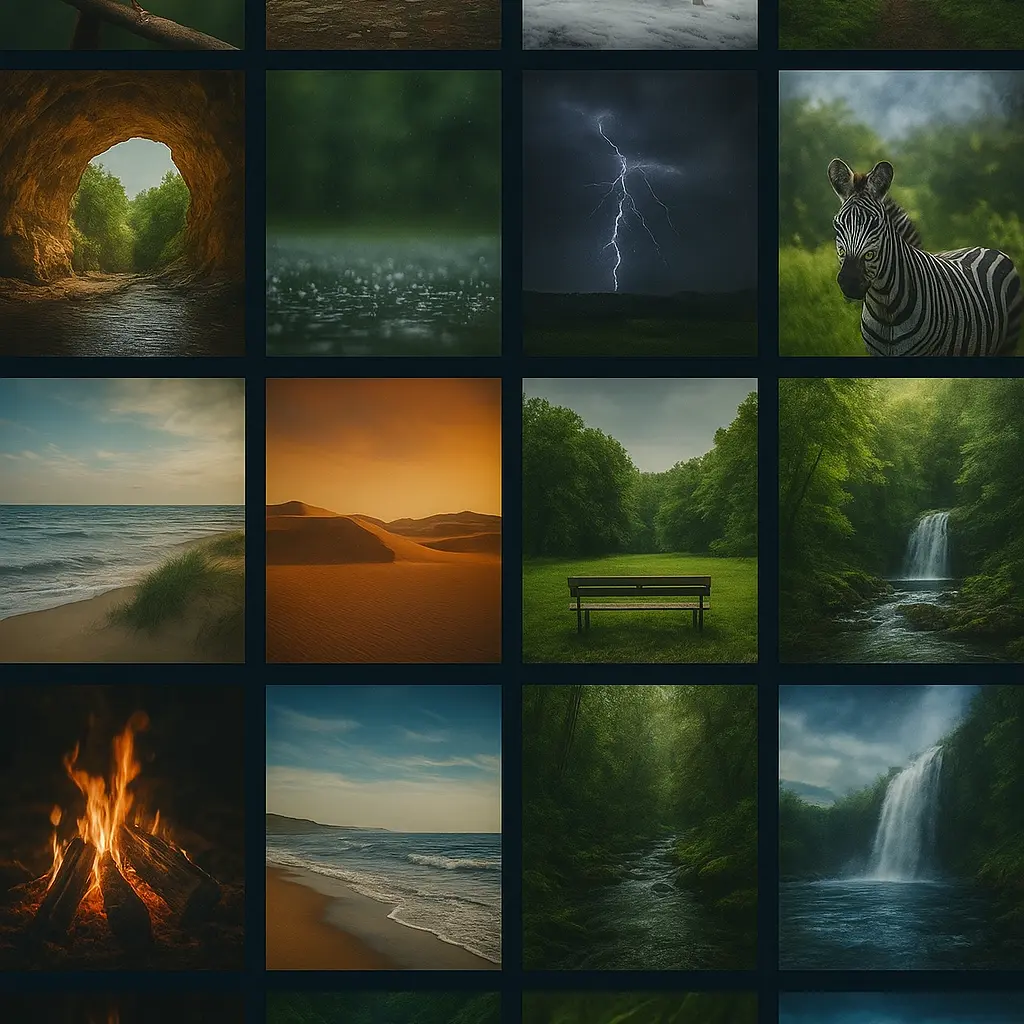
Professional Sound Library
Tap into a Professional Sound Library crafted by experienced audio designers and filmmakers. The collection spans thousands of high-quality sound effects, ambiences, and environmental layers — from cinematic cityscapes and natural atmospheres to subtle indoor textures. Each sound is carefully optimized for AI-driven composition, ensuring clarity and realism in every generated result. With such depth and variety, your videos gain a polished, studio-grade soundscape that elevates storytelling and captivates audiences instantly.
How To use AI Add Audio To Video
Step 1 — Upload Your Video
Start by uploading your silent or low-sound video. The AI will automatically analyze each frame to understand the visual context.
Step 2 — Describe or Let AI Decide
Step 3 — Generate and Download
Discover the Power of AI Add Audio to Video
Adding sound to video has never been easier or more intelligent. With AI-driven audio generation, you can instantly transform silent or low-quality footage into engaging, cinematic experiences. The system automatically detects scenes, understands visual context, and matches the perfect sound effects — eliminating the need for manual editing or costly sound design. Whether you're a content creator, filmmaker, or marketer, AI sound generation saves time, enhances realism, and boosts audience engagement. It's the fastest way to make your videos sound as good as they look.
User Reviews
I uploaded a silent travel vlog, and the AI added perfectly matched ambient sounds — waves, footsteps, even distant chatter. It made my video feel alive.

Emily C. Travel Vlogger
As a short film editor, I often deal with clips missing sound. This tool saves me hours by generating realistic audio automatically. It's like having a sound designer on demand.

Daniel N. Film Editor
I use it to enhance product demo videos. The AI recognizes each scene and adds subtle background audio that feels totally natural. My videos look more professional now.

Sarah L. Marketing Creator
I tested it on a silent animation, and the result was incredible — footsteps, door creaks, and ambient noise all synced beautifully. No manual sound design needed.

Miguel F. 3D Animator
Discover More Tools with AI Dubbing
Movie Dubbing
Dub movies with AI voices in any language instantly.
AI ASMR Voice Generator
Create soothing AI ASMR voices from any text.
Accent Generator
Generate realistic AI voices with different accents.
AI Sound Effect Generator
Generate realistic AI background audio and sound effects for any video.