Free AI Video to SRT Converter

Extract subtitles from any video and generate accurate SRT files automatically. Convert video to text, download subtitle files, and translate subtitles into multiple languages with AI.

Drop your Video here or click to browse
Supports MP4, MOV, AVI and more
History Results
Clear All

Your SRT files will appear here

Convert Video to SRT in 3 Easy Steps

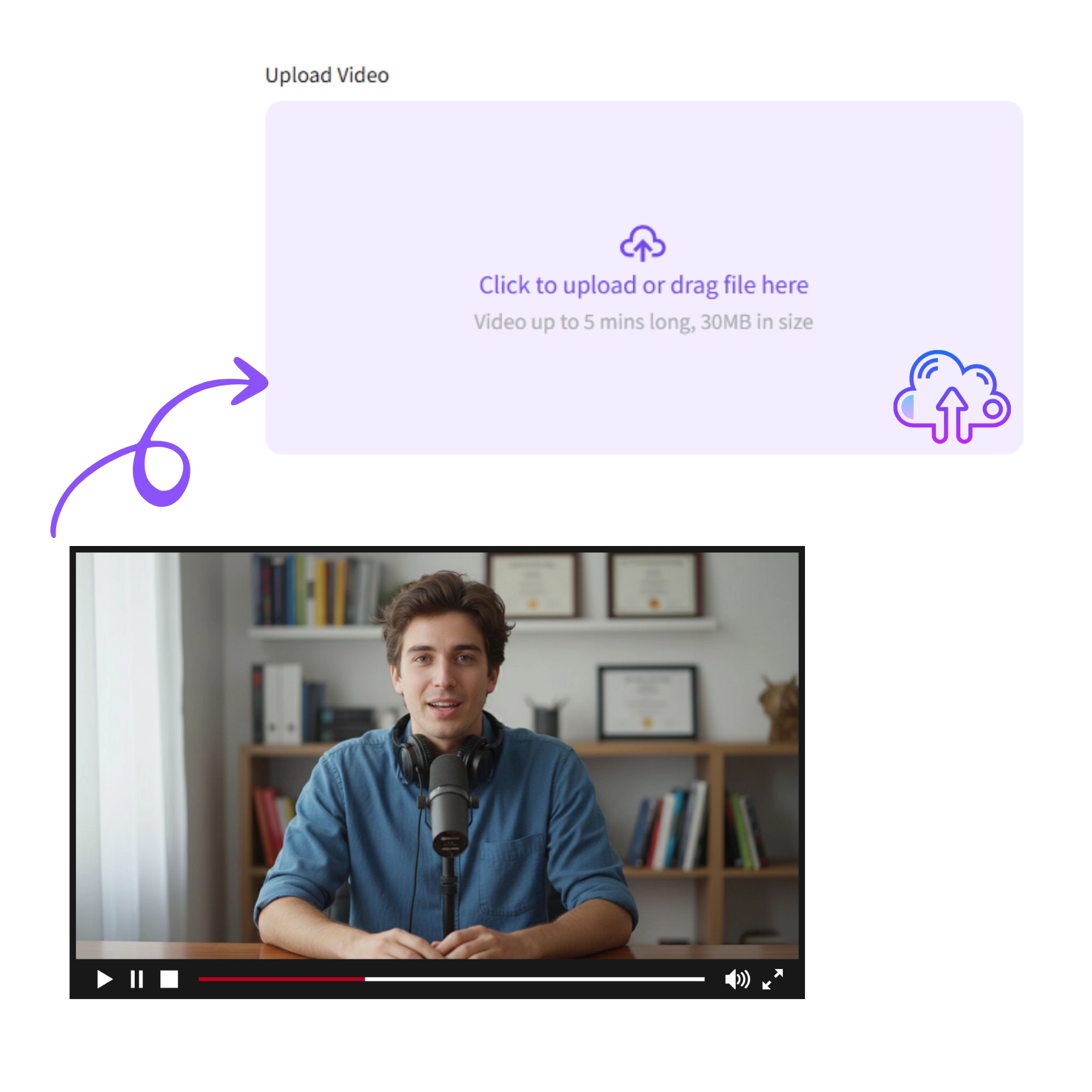
Step 1: Upload Video

Step 1: Upload Video

Upload your MP4, MOV, AVI, or other video files to start subtitle extraction. Video to SRT Converter analyzes the audio and prepares it for subtitle extraction.
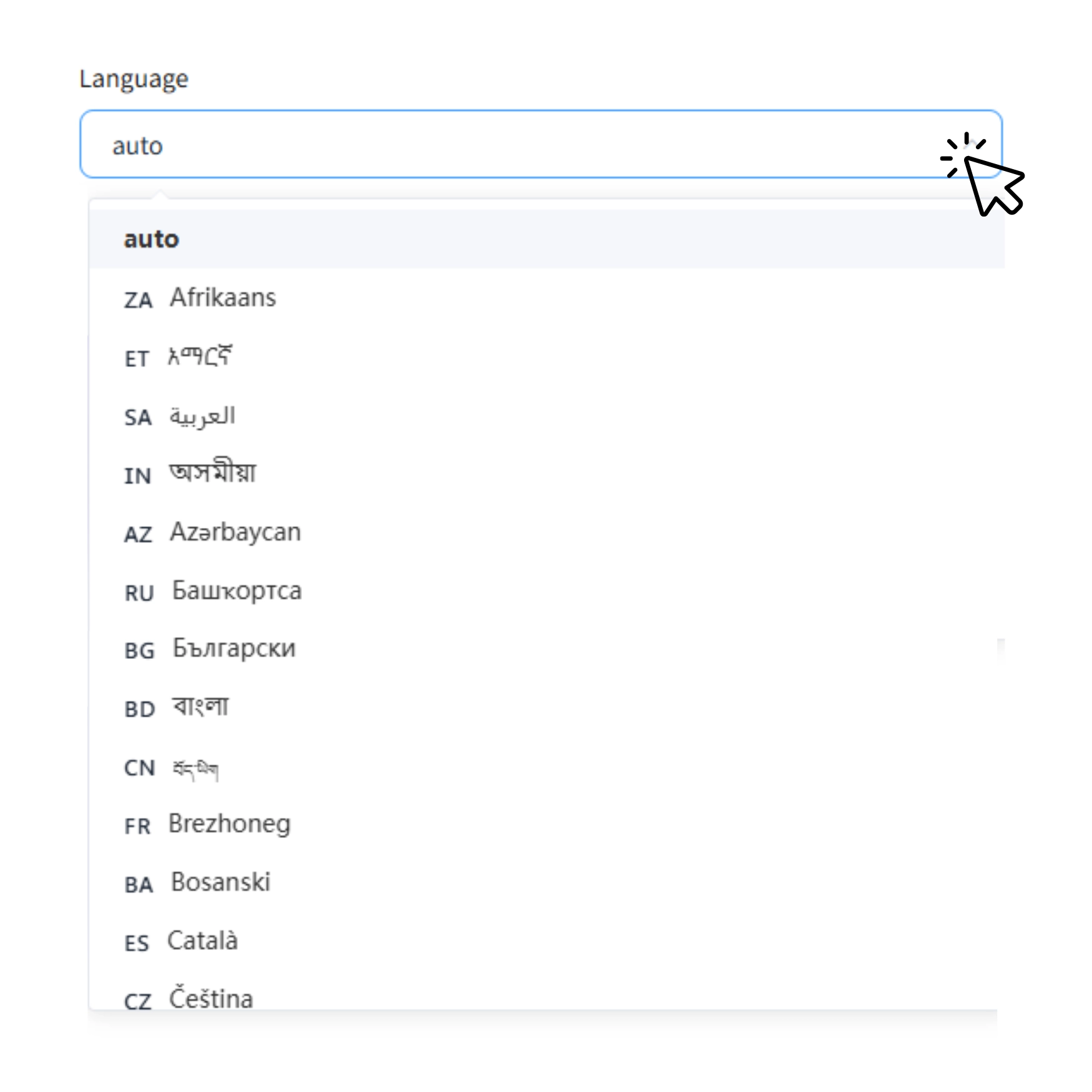
Step 2: Choose Subtitle Language

Step 2: Choose Subtitle Language

Select original or translated subtitles in over 20 languages before extraction. Create multilingual SRT files in one workflow without extra software.
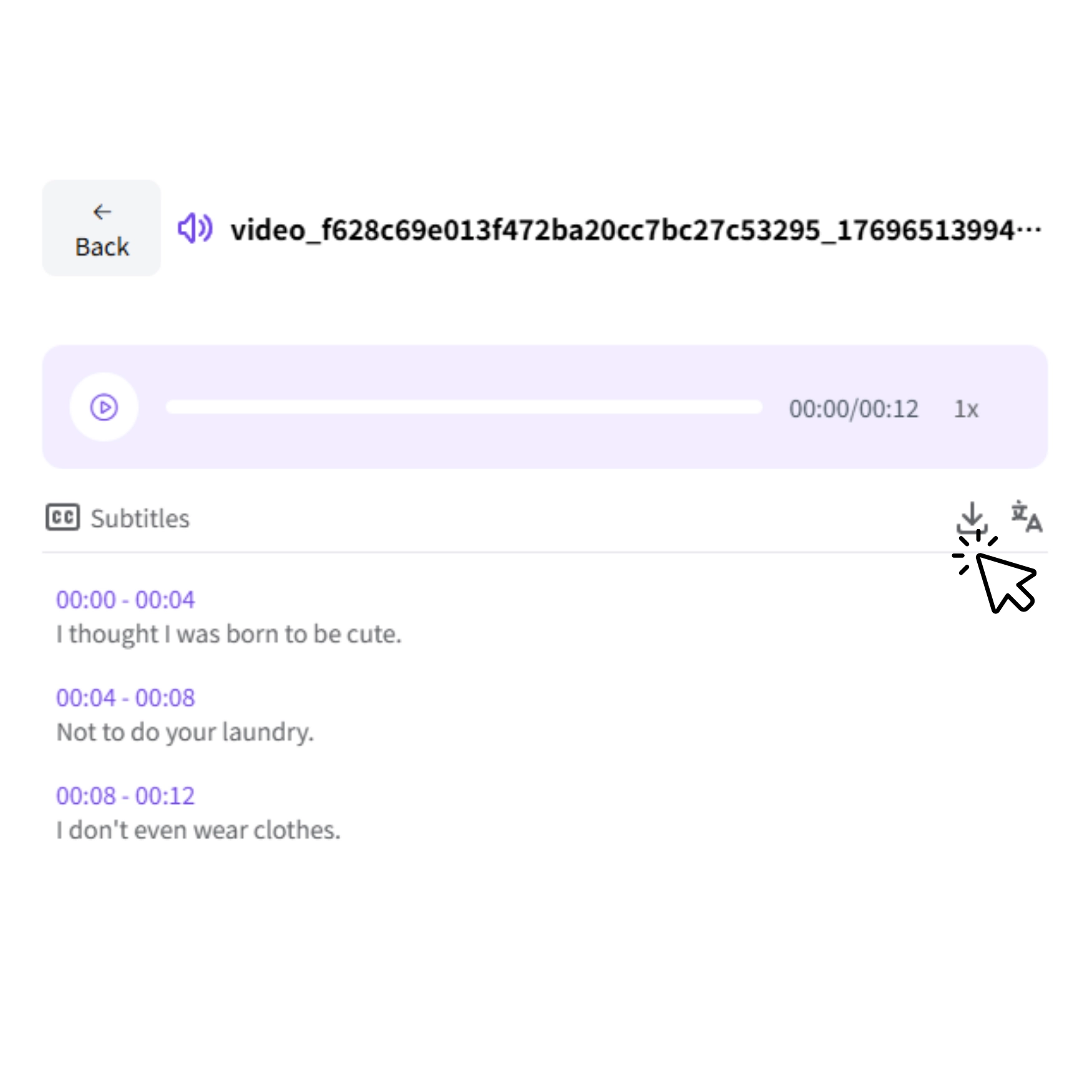
Step 3: Generate and Download

Step 3: Generate and Download

Generate accurate SRT subtitle files and download them for editing, translation, or reuse in other projects.

Why Use Our Video to SRT Converter?

Fast and Accurate Subtitle Extraction

Our Video to SRT Converter transcribes video content quickly and produces accurate SRT subtitle files within minutes. • Each subtitle includes precise timestamps, ready for editing or integration into your workflow. • The process is fully automated from transcription to export, reducing manual work and errors. • No technical skills are required, making it easy for creators, educators, and marketers to generate subtitles.

Extract Subtitles from Any Video

• You can extract subtitles from virtually any video you upload, including MP4, MOV, AVI, and more. It works with various video types such as course recordings, marketing videos, interviews, podcasts, and training materials. • Simply upload your video and let the AI automatically generate SRT subtitle files with precise timestamps.This flexibility ensures that creators, educators, and marketers can handle different projects without extra setup.

Extract and Translate Subtitles in One Workflow

• After uploading your video, you can choose whether to extract subtitles in the original language or translate them into another language before generating the SRT file. • This one-step workflow eliminates extra downloads or re-uploads, making subtitle extraction and translation seamless. • You can produce multilingual subtitle files in over 20 languages, perfect for international courses, marketing videos, or global content distribution.

Reuse Subtitles Across Different Products and Workflows

Your subtitle files are not just for display — they are reusable content assets. • You can edit the SRT files, integrate them into editing software.This allows you to create voiceovers, localized videos, training materials, or marketing content from the same source. • Instead of recreating content, you extend its lifecycle.Subtitles become the foundation for scalable video production.

Who benefits from Video to SRT

Content Creators

Content Creators

Extract subtitles from tutorials, vlogs, or clips and generate SRT files. Translate subtitles to reach global audiences and improve engagement.

Educators

Educators

Create accurate SRT files for lectures or webinars. Translate subtitles so students worldwide can follow your lessons easily.
Marketing

Marketing

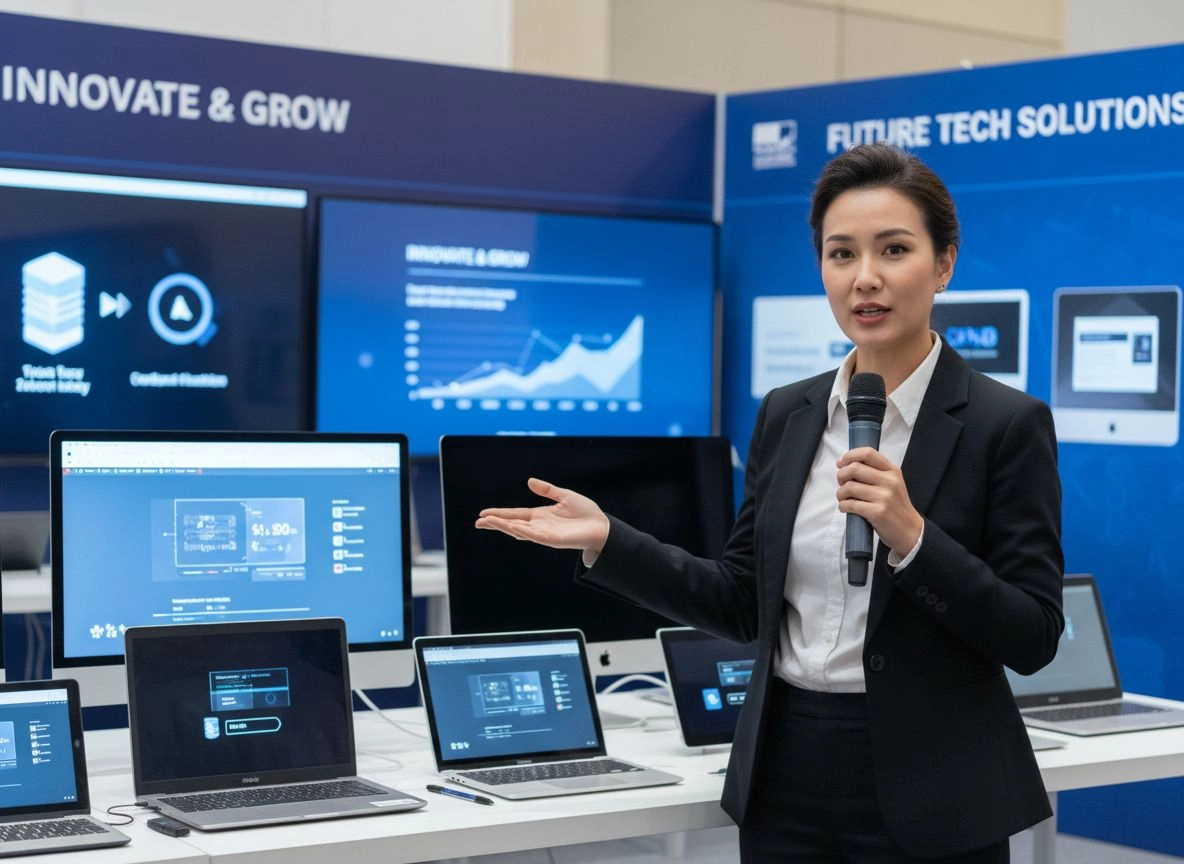
Convert promotional videos into reusable SRT subtitles and translate them for international campaigns, saving time and ensuring consistency.

Video Production

Video Production

Extract subtitles from films, ads, or training videos. Generate SRT files and reuse them for dubbing or multi-language distribution efficiently.

Video to SRT Converter Reviews

“I use this Video to SRT converter to extract subtitles from my videos and generate SRT files for editing. The subtitles are accurate and easy to reuse.”

“I convert lecture recordings into SRT subtitles so students can follow along. It’s much easier than manual transcription.”

“We extract subtitles and translate them for international campaigns. It helps us localize video content quickly.”

“The generated SRT files import smoothly into Premiere Pro. I usually extract subtitles first, then adjust timing if needed.”

“We use the Video to SRT tool to convert training videos into text and subtitles for different regions.”

“I extract subtitles, generate SRT files, and reuse them for dubbing and multi-language delivery.”

FAQs About AI Video to SRT Converter

What is a Video to SRT converter?

Can I translate subtitles while extracting them?

What languages can I translate subtitles into?

What video formats are supported?

How accurate are the generated SRT subtitles?

Can I use the SRT files for editing and dubbing?

Do I need to install any software?