
Step 1: Upload Your MP4
Click or drag your MP4 file to start. Our mp4 to srt converter prepares your video instantly for subtitle generation.
Need accurate subtitles for your videos? Our free mp4 to srt converter generates time-stamped SRT files from any MP4. Just upload your video, adjust settings, and get fully editable subtitles ready for download.
Your SRT files will appear here
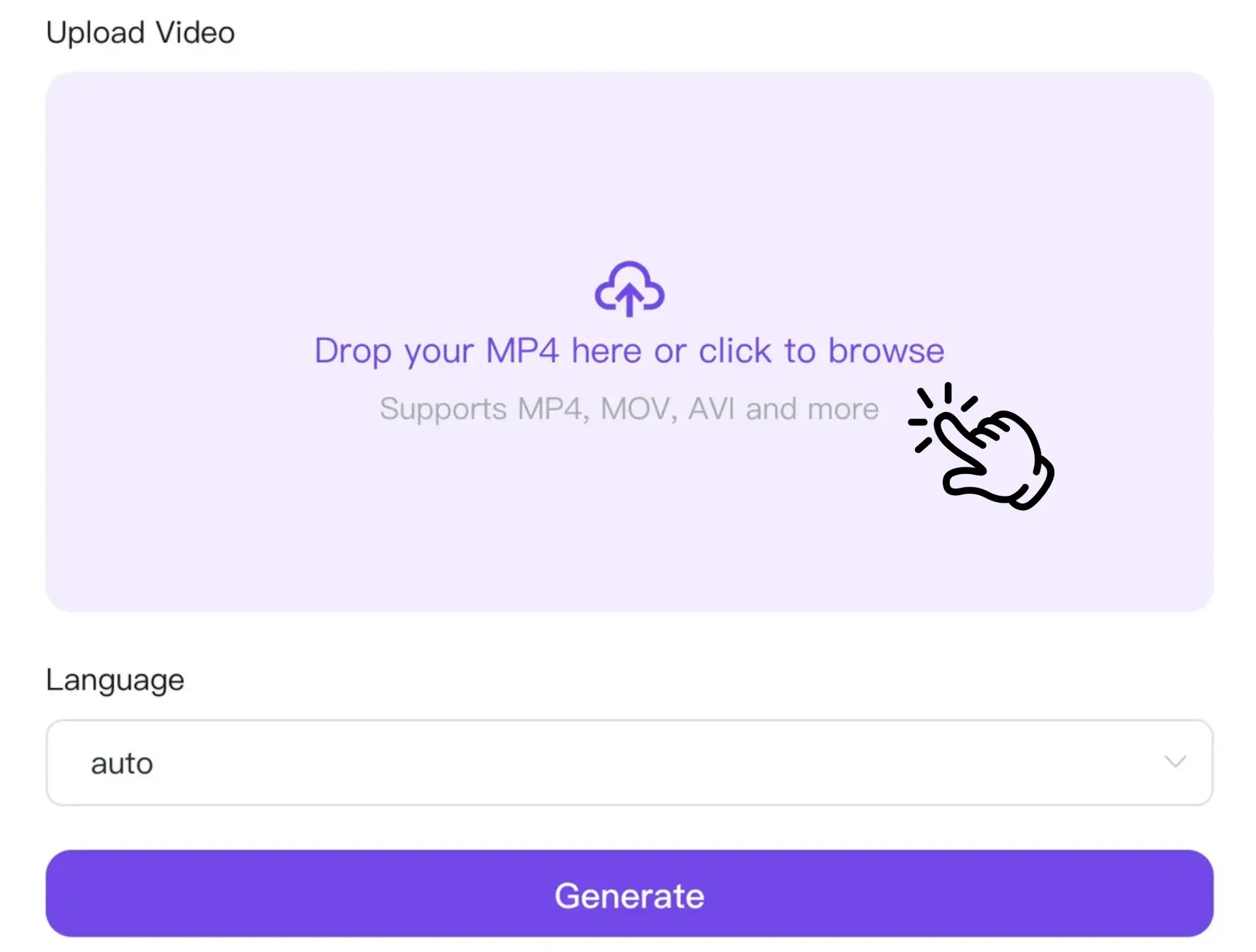
Click or drag your MP4 file to start. Our mp4 to srt converter prepares your video instantly for subtitle generation.
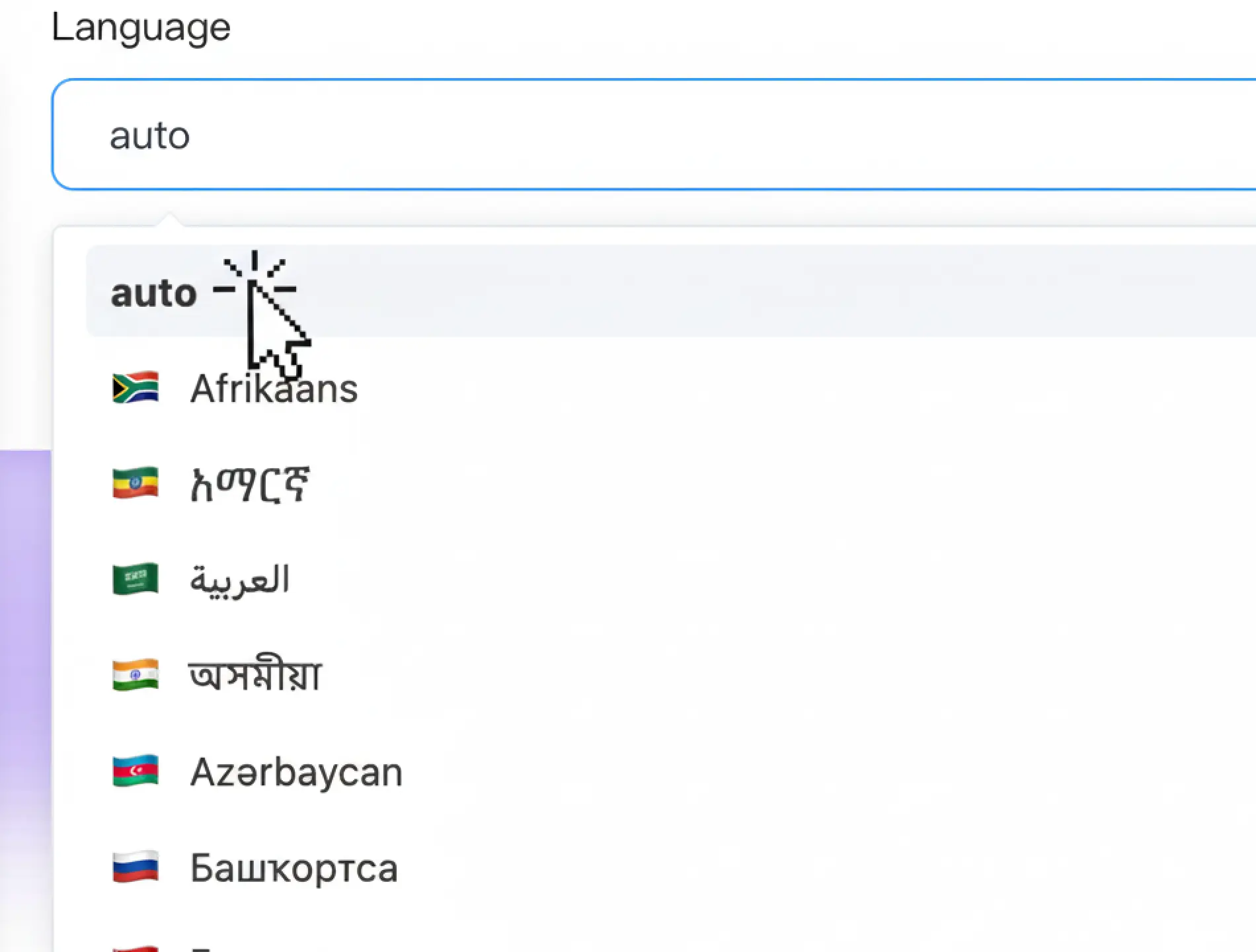
Select the video language and preferred accuracy. The system will convert your MP4 to SRT with precise timestamps and clear subtitles.
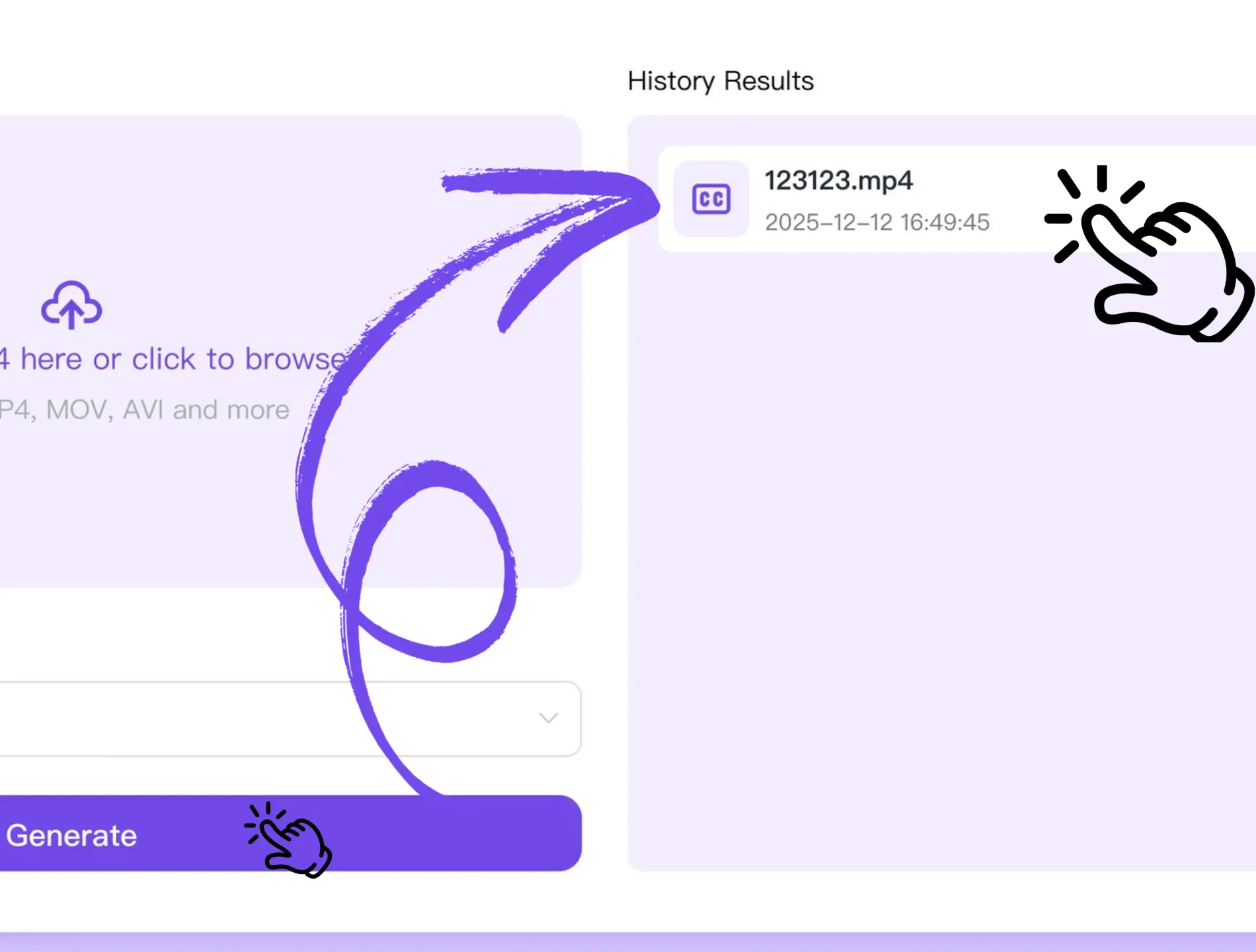
Preview your subtitles above the video timeline and download the final SRT file. Our mp4 to srt tool ensures your subtitles are ready for any purpose.

“I convert video interviews daily. This mp4 to srt tool is fast and accurate, making subtitle creation effortless.”

“I use it for online courses. The generated SRT files are perfectly synced and save me hours of work.”

“For client presentations, this mp4 to srt converter is invaluable. Timestamps are precise and editing is simple.”

“Amazing for multilingual videos. It accurately separates speech and produces subtitles I can trust.”

“I subtitle training recordings weekly. The mp4 to srt tool is fast, accurate, and professional.”

“Analyzing interviews is much easier now. The timestamped SRT files save time and improve my workflow.”