Translation vs Transcription: Which Does Your Video Need?
You're not the first person to mix these two up — and honestly, the internet hasn't made it easier. Search "translation vs transcription" and you'll find walls of text that define the terms different ways before telling you which one you actually need.
let's make sure the translation vs transcription difference is crystal clear.
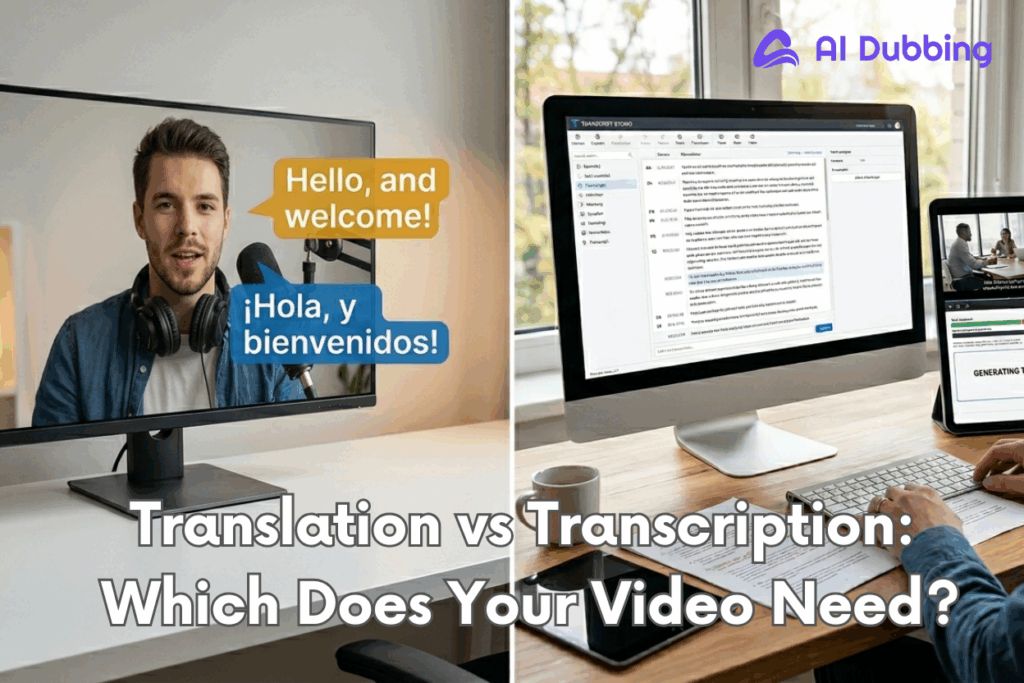
Transcription takes spoken audio and turns it into written text — same language, no changes. Translation takes content in one language and converts it into another. Both exist to make your content more accessible, but they're solving completely different problems.
This guide will tell you exactly how to think about translation vs transcription, which workflow fits your situation, and how to get it done with AI Dubbing that don't require a linguistics degree to operate.
Translation vs Transcription: What's the Actual Difference for Video Content?
1. What Is Transcription?
Transcription is the process of converting spoken audio or video into written text — in the same language. That's the key. Nothing changes linguistically. If someone says "Good morning" in English, the transcript reads "Good morning" in English.
Who uses transcription the most?
- Podcasters and YouTubers who want their content indexed by search engines
- Corporate teams converting meeting recordings into actionable notes
- Educators and course creators making lessons accessible and reviewable
- Journalists and researchers documenting interviews for reference
- Accessibility advocates ensuring content reaches people with hearing impairments
In the translation vs transcription discussion,Transcription is not about changing your message. It's about making your message visible — searchable, readable, and accessible to people who couldn't or didn't listen in real time.

2. What Is Translation?
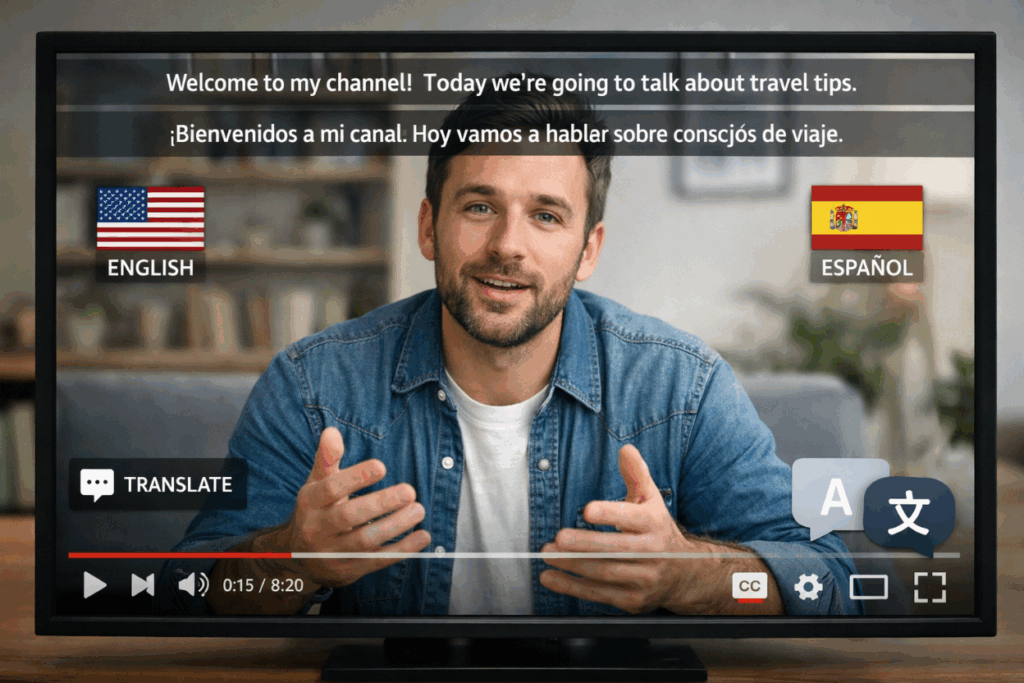
Translation is the process of converting content from one language into another — while preserving the original meaning, tone, and intent. You start in English; you end in Spanish, Japanese, Arabic, or wherever your audience lives.
But here's what most people underestimate: translation isn't just swapping words. "Good morning" in English becomes "Bonjour" in French, not "Bon matin" (which technically exists but sounds awkward). Translation requires cultural awareness, contextual judgment, and often a deep understanding of the target audience's norms and expectations.
In the context of video content, you will often need to translate video files, which shows up most often as
- Subtitles or captions in a target language
- AI dubbing audio replacing the original speaker's voice
- Localized scripts rewritten to fit a different cultural context
- Translated documents or course materials for international learners
Translation is what takes your content global. It's what lets a creator in Seoul reach an audience in São Paulo. It's the bridge between your message and every market that doesn't speak your language.
3. Translation vs Transcription in One Sentence
If the translation vs transcription question is keeping you stuck, just ask yourself one thing — am I changing the language?
Transcription = same language, audio → text.
Translation = different language, source → target.
Or put it another way: transcription makes your content readable; translation makes your content global. Understanding this translation vs transcription distinction is the first step to scaling your media.
Translation vs Transcription for Video Creators
The translation vs transcription debate looks different depending on what you're trying to create. The confusion around translation vs transcription usually starts when creators realize they need subtitles, multilingual content, or a fast way to convert video to transcript files for SEO.
1. How to Translate Video with AI Dubbing
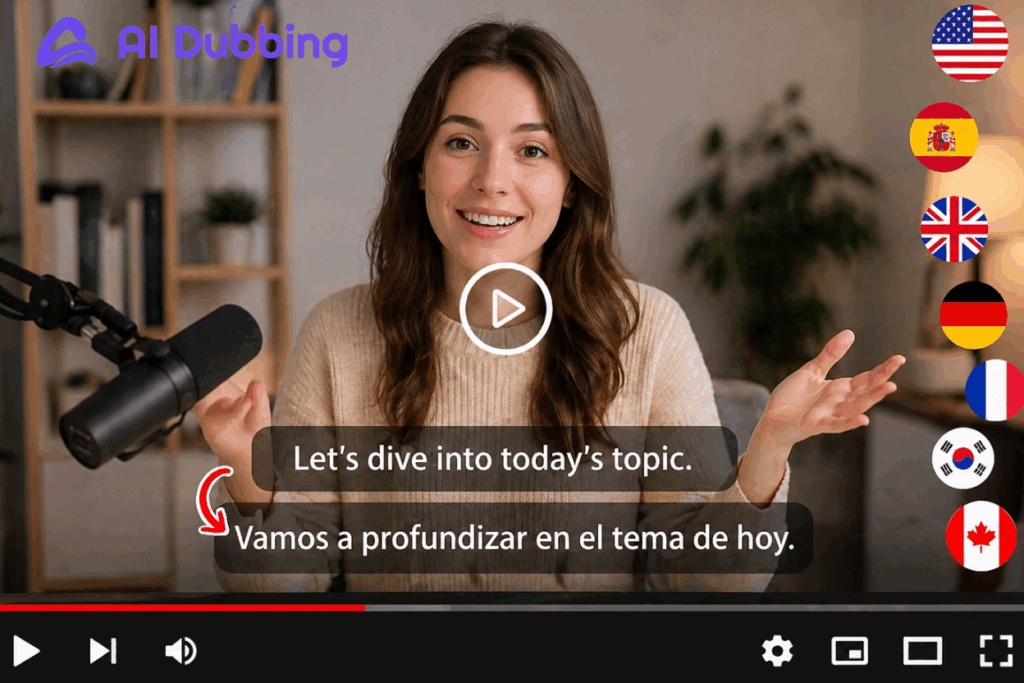
One of the biggest reasons creators search for translation vs transcription is because they want to translate video content without hiring traditional dubbing teams. AI dubbing now make translation vs transcription workflows dramatically faster than they used to be.
Here's how the process works on AI Dubbing:
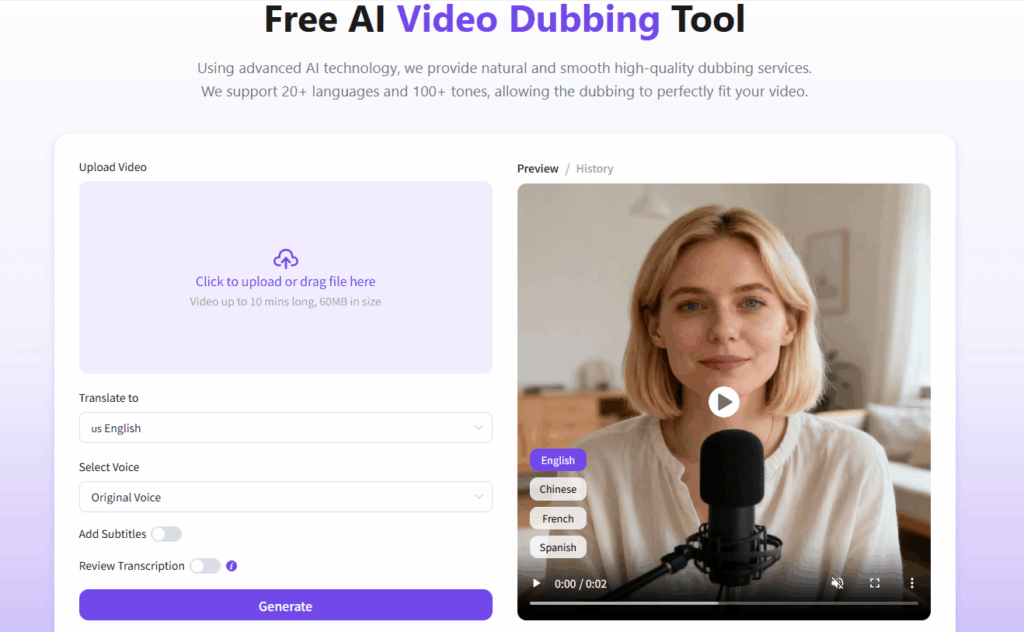
Step 1: Upload Your Video
Head to the AI Dubbing and upload your video file. Most formats are supported — MP4, MOV, AVI, and more.
Step 2: Set Dubbing Parameters
This is where you customize the output to translate video. Choose your target language (or multiple languages if you're going multi-market in one go). You can also select voice style.
Step 3: Preview & Download
Once the AI generates the dubbed audio, you'll get a preview before committing. Review the lip-sync accuracy and check the tone. When you're happy, download your translated video — complete with dubbed audio and optionally synced subtitles. Ready to publish.
2. How to Generate a Video to Transcript with AI
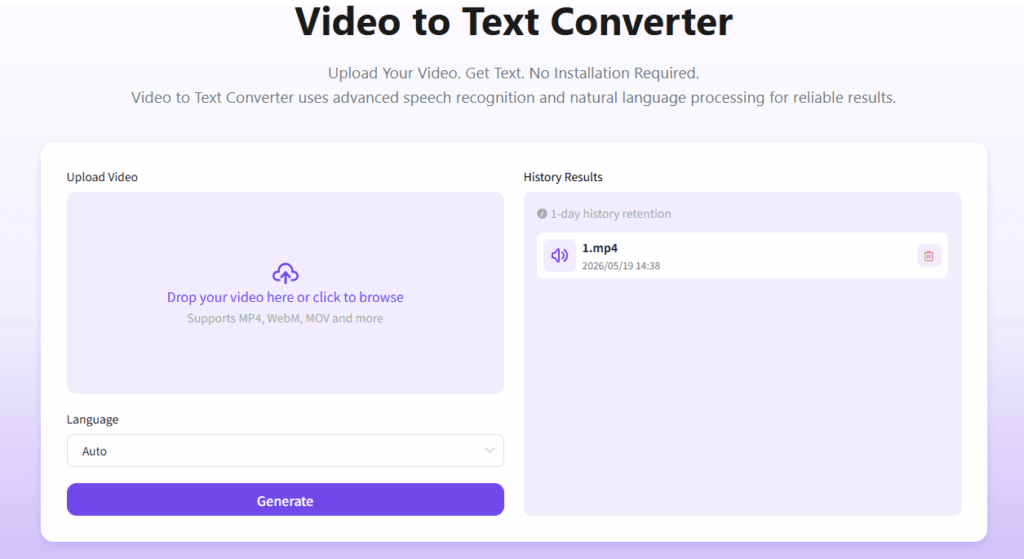
Now let's flip the scenario. You need a written version of everything that was said in it — a video to transcript. The video to text converter is your fastest route.
Here's how it works:
Step 1: Upload Your Video File
Open the video to text converter and upload your video. The tool handles common formats.
Step 2: Select Output Language
Here's a feature that surprises a lot of people: the output language doesn't have to match the language spoken in the video. If your video is in English but you need a Chinese transcript, you can get both in one step — a transcription and a translation at the same time.
Step 3: Review & Download
The video to text converter returns your transcript with timestamps and speaker labels (where detectable). You can review it and then export in your preferred format — plain text or SRT for subtitles.
Do You Need Translation, Transcription — or Both?
1. For Transcription — When Text in the Same Language Is the Goal
In the translation vs transcription decision, transcription is the right choice when your goal is to create a written record of spoken content without changing the language. Here are the scenarios where transcription is the clear winner:
- Audio quality determines transcript quality. AI transcription tools can hit 90–98% accuracy on clean audio. Background noise, heavy accents, or multiple overlapping speakers will pull that number down fast. If your recording environment isn't great, budget time for a manual review pass.
- Timestamps matter more than you think. Always export your transcript with timestamps, even if you don't need them right now. They make it significantly easier to turn the transcript into subtitles, find specific sections for editing, or hand the file off to a translator later.
- Transcription is step one, not the finish line. A raw transcript is a first draft, not a final deliverable. For blog repurposing or course materials, plan for a light editing pass to remove filler words, false starts, and run-on sentences that read fine when spoken but look messy on a page.
In most translation vs transcription scenarios, transcription is the foundation layer. Once your spoken content becomes searchable text, you can repurpose it almost anywhere.
2. For Translation — When You're Crossing a Language Barrier
Choose translation when your goal is to make your content understood by people who speak a different language.
When using AI dubbing to translate video content, a few small adjustments can make a surprisingly big difference:
- Keep sentences shorter and more conversational — long, complex phrasing is harder to dub naturally across languages
- Choose a voice style that matches the original video's energy and tone
- Review lip-sync accuracy carefully in close-up speaking scenes
- Avoid slang, idioms, or culture-specific jokes that may sound unnatural after translation
- Test subtitle readability on mobile devices, where most short-form video is consumed
- If possible, generate both dubbed audio and subtitles — many viewers still prefer watching translated videos with captions enabled
If your goal is global reach, translation vs transcription stops being a theoretical question and becomes a audience growth strategy decision.
3. Which Is Right for You?
Still deciding about translation vs transcription? Here's a quick diagnostic — pick the description that sounds most like your situation:
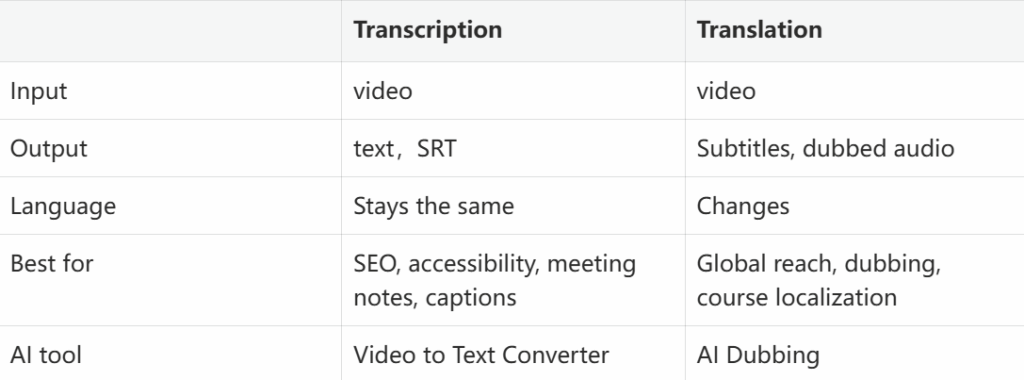
The good news: you don't always have to choose. Many modern AI tools — including the ones available on AI Dubbing — support both workflows under one roof. You can transcribe and translate in a single session, which is a genuine time-saver for international content creators.
Final Thoughts on Translation vs Transcription
The reason the translation vs transcription question comes up so often is simple: modern content rarely stays in one format or one language anymore.
A single video can become subtitles, blog posts, translated clips, multilingual courses, searchable transcripts, and social media content — sometimes all at once. That's why understanding translation vs transcription matters so much for creators, educators, marketers, and global brands today.
Transcription helps make content searchable and accessible. Translation helps content cross language barriers and reach entirely new audiences. And increasingly, the most effective workflows combine both.