How to Translate Subtitles for YouTube Video Fast and Free
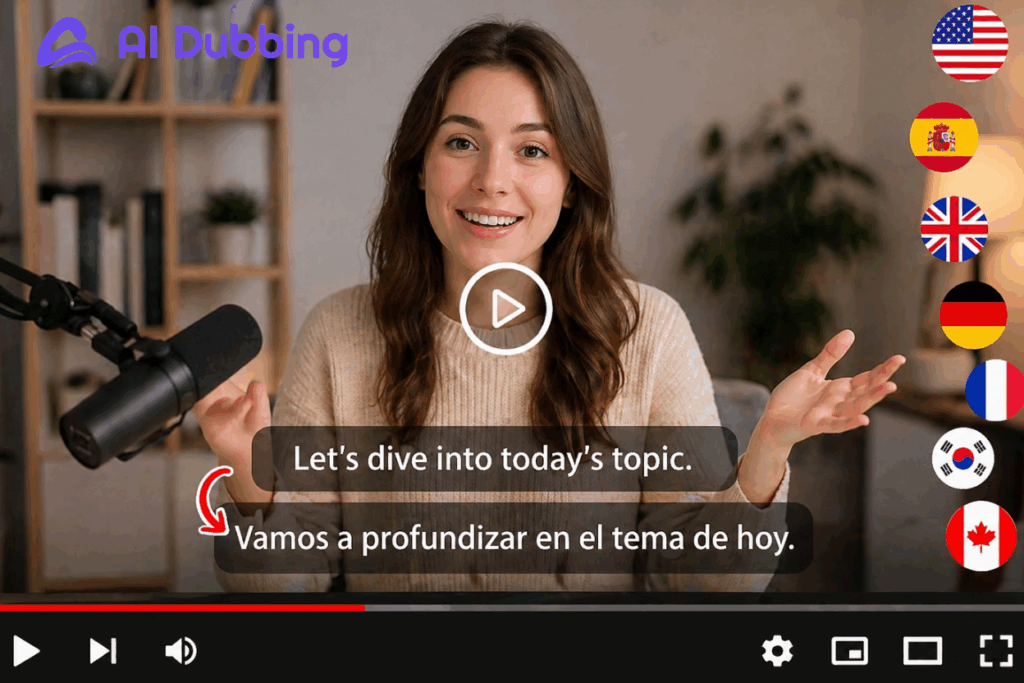
YouTube is the undisputed titan of digital media, and for any content creator, business, or educator in 2026, having a presence there isn't just an option—it’s a necessity. You spend hours scripting, filming, and editing to ensure your quality is top-notch, but you might still find your views plateauing within your local market. Here’s the reality: if your content is only available in one language, you are effectively ignoring 80% of the world.
This is where the power to translate subtitles comes in clutch. Breaking language barriers and improving the accessibility of your content is the ultimate "growth hack" to reaching a global audience and turning a local channel into an international brand.
This guide will show you exactly how to translate subtitles fast and free—and actually make it work for real growth.
The Hard Way vs Smart Way to Translate Subtitles
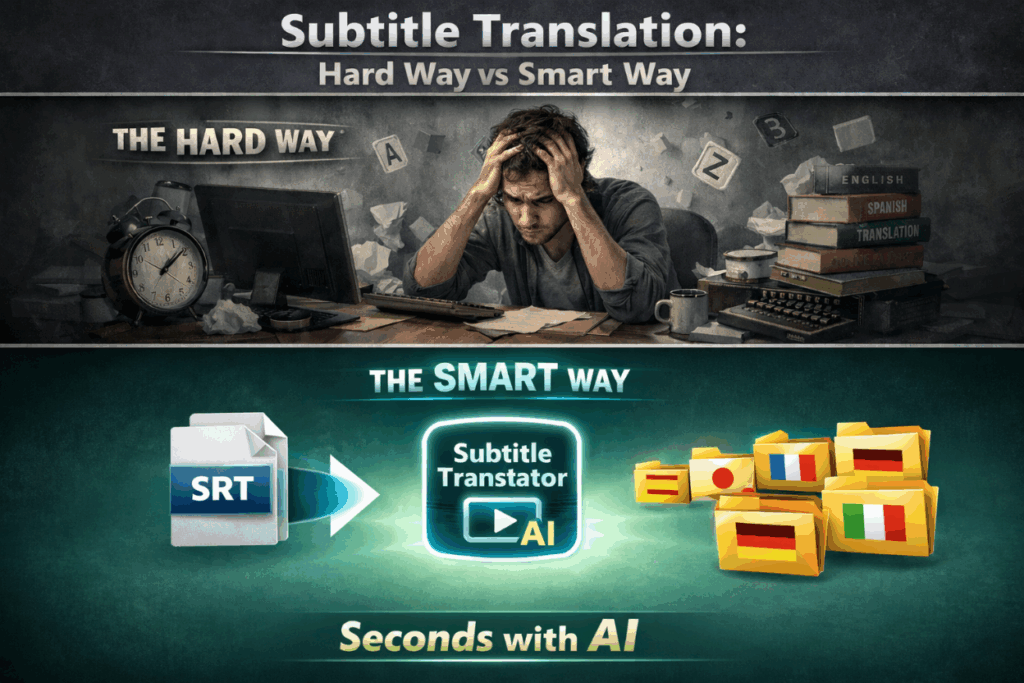
1. Manual Subtitle Translate: Slow, Expensive, Painful
Let’s be honest—manual subtitle translate is a grind.
You download an SRT file, open a text editor, translate line by line, then fix timing. Sounds simple… until you try it on a 10-minute video.
Now multiply that by 5 languages.
For content creators, this kills momentum. For marketers, it kills budget. For educators, it delays delivery.
Manual subtitle translate work isn’t just slow—it’s unsustainable. If you want to translate subtitles for a long-form documentary, the manual route is a nightmare.
2. AI Tools to Translate Subtitles Instantly
Now here’s the smart way: use AI to translate subtitles instantly.
Modern Subtitle Translator tools don’t just translate text—they preserve timing, context, and flow. AI-powered platforms can now ingest an SRT file and output a perfectly formatted translation in seconds. These tools don't just swap words; they understand context.
When you use AI to translate subtitles, you get:
- No re-syncing
- No rewriting
- No delays
You upload, click, and download.
It’s not magic. It’s just finally efficient.
How to Translate Subtitles for YouTube Videos Step by Step
Before we dive into the steps, let’s make one thing simple: you don’t need multiple tools anymore.
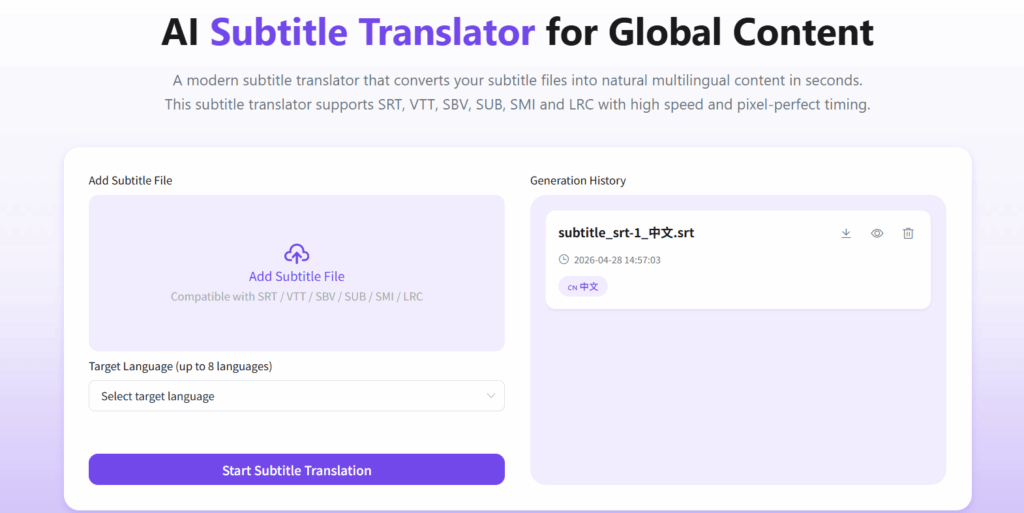
With an AI-powered Subtitle Translator , you can upload, translate subtitles, and export everything in one place—without breaking your workflow
Step 1: Upload Your Subtitle File
Start by uploading your existing subtitles file into the Subtitle Translator.
If you already have subtitles from YouTube or another tool, you’re good to go. Just upload and move forward to translate subtitles automatically.
Don’t have an SRT file yet? No problem.
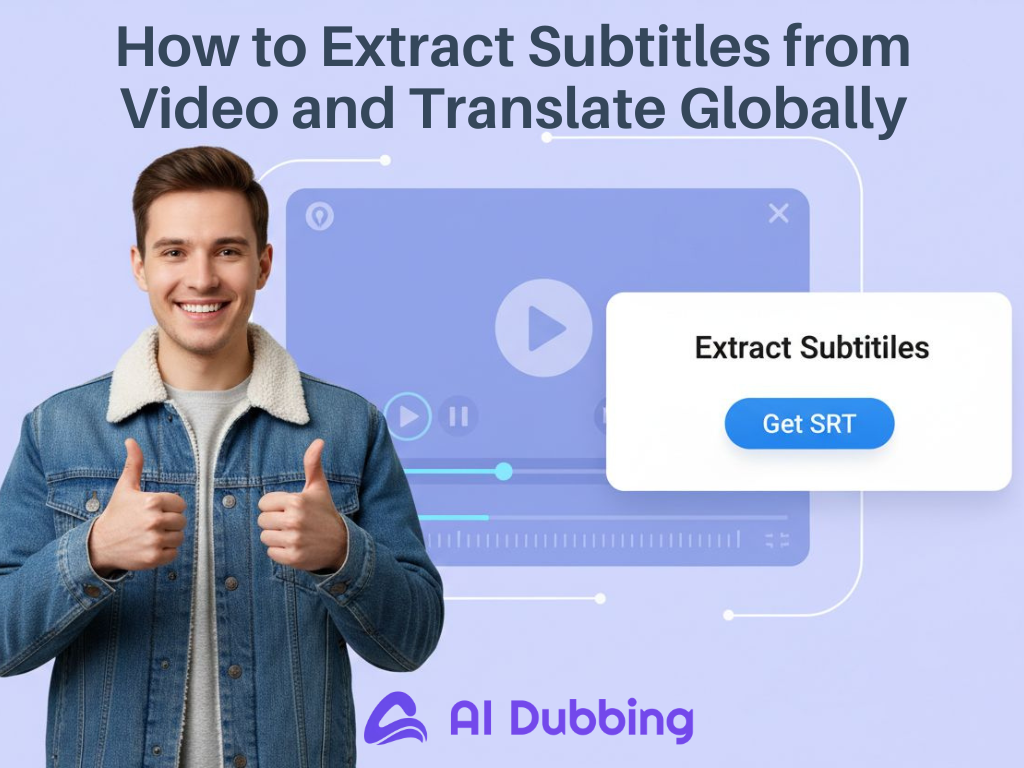
Use the Video to SRT feature to automatically extract subtitles from your video. This tool uses high-accuracy speech recognition to automatically turn your video's audio into a perfectly timed subtitle file.
Step 2: Select Target Languages for Subtitle Translation
Once your subtitle file is ready, choose the languages you want to translate subtitles into.
A good strategy is to prioritize:
- High-traffic languages (Spanish, English)
- High-value markets (German, Japanese)
- Niche audiences (based on your content topic)
The Subtitle Translator will subtitle translate your content instantly while keeping timing and structure intact.
Step 3: Preview and Download Translated SRT Files
Before you hit download, a quick preview is essential.
Check for:
- Timing accuracy
- Natural phrasing
- Line readability
Once everything looks good, download the translated SRT file.
Best Ways to Use Translated Subtitles on YouTube
1. Upload Subtitles Directly to YouTube
Step 1: Upload Your Video and Set Original Language
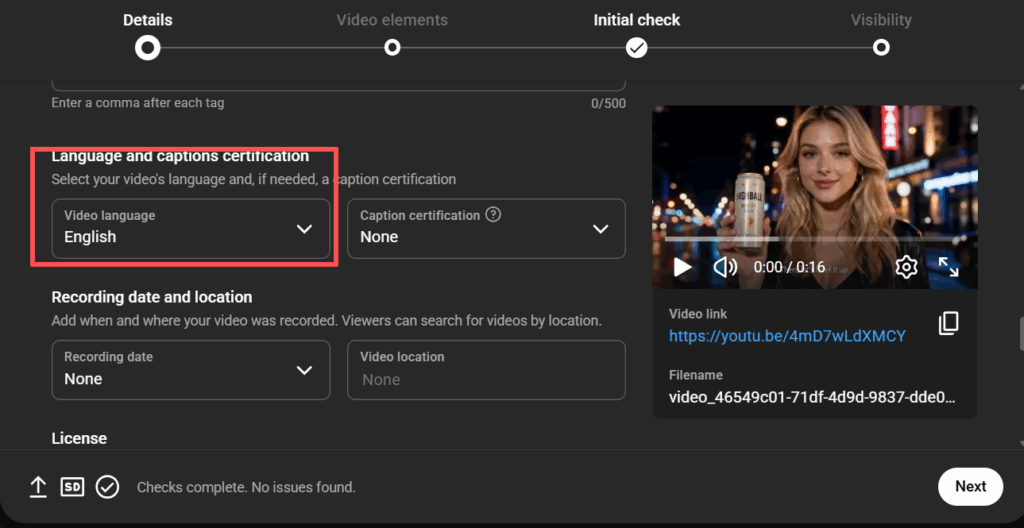
Go to YouTube Studio and upload your video file. In the "Video details" section, scroll down to "Language and captions certification" and select the original language of your video (e.g., English). This step is essential—without it, the option to subtitle translate via upload may remain unavailable.
Step 2: Upload Your Translated Subtitle Files
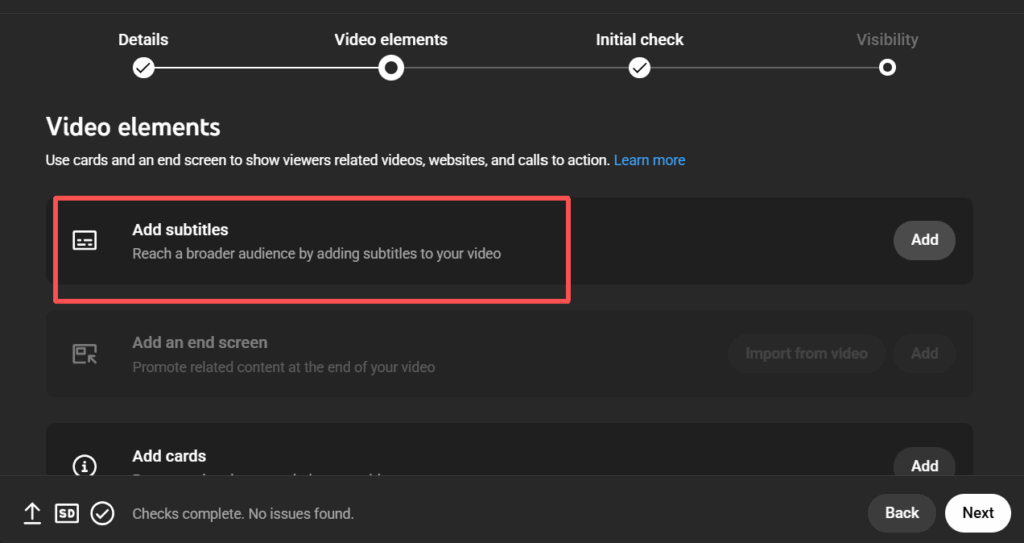
In the left-hand menu, Choose "Upload file" and select the specific SRT you generated using the Subtitle Translator. This links the subtitle translate output directly to your video timeline.
Step 3: Complete and Publish
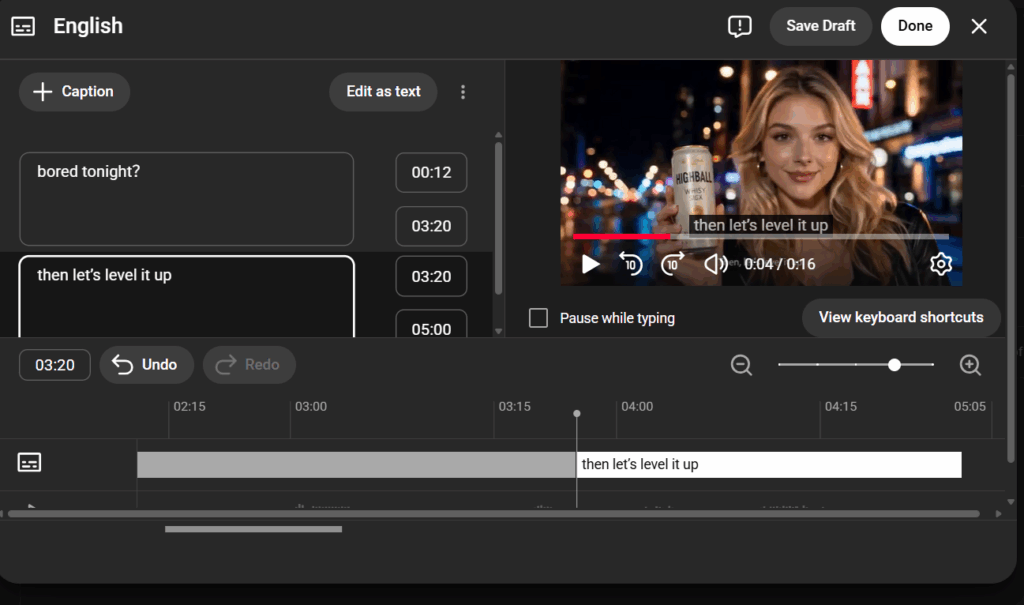
Click "Done." Your video now features a CC button. You have successfully used a subtitle translate strategy to unlock a new market. Now, anyone can translate subtitles on your video via the CC menu.
2. Add Subtitles Inside Your Video
For YouTube Shorts, "burned-in" subtitles are often better. After you translate subtitles using a Subtitle Translator, you can use a video editor to hardcode the text. This is crucial for "silent viewers" scrolling without headphones. If they see the subtitle translate output immediately, they are much more likely to watch.
Why You Need to Translate Subtitles for YouTube Videos
1. Reach Global Audience Without Re-uploading Videos
One of the biggest mistakes creators make is uploading separate video files for different languages. This splits your views, likes, and comments across multiple URLs, weakening your video's authority. When you translate subtitles on a single video instead, you keep all your engagement metrics in one "bucket." YouTube’s algorithm prioritizes videos with high social proof. By implementing a subtitle translate strategy on your primary upload, you ensure that a viewer in Brazil and a viewer in the US are both contributing to the same view count and the same like button.
2. Improve Watch Time and Channel Growth Signals
If a non-English speaker finds your video but can’t understand it, they will bounce. However, if you translate subtitles into their native tongue, they stay. High retention signals tell YouTube your content is valuable. Every subtitle translate file you add is an insurance policy against high bounce rates. It turns "accidental clicks" into "loyal viewers."
3. Boost SEO by Making Your Content Searchable
YouTube can't "watch" your video to know what it's about, but it can "read" your subtitles. When you translate subtitles, you provide a transcript of keywords in different languages. This triples your chances of appearing in search queries globally. The power of a good subtitle translate workflow is that it works while you sleep. Using a Subtitle Translator ensures your video is at the top of search results in Berlin, Tokyo, or Paris.

Final Thoughts: Translate Subtitles = Unlock Global Growth
In 2026, staying local is a choice to stay small. To truly scale, you must translate subtitles and make your message accessible to everyone. Using a modern Subtitle Translator like the one at AI Dubbing isn't just a technical shortcut; it’s a strategic investment. Don't let language barriers limit your reach. Start your subtitle translate journey today and watch your analytics transform into a global map of success. Remember, the best time to translate subtitles was yesterday; the second best time is now.