

Choose a model and paste your YouTube URL
Select a model for your video and paste the YouTube link. Different models offer different balances of speed and translation quality.
Translate YouTube videos into multiple languages with accurate subtitles and natural translations for free.
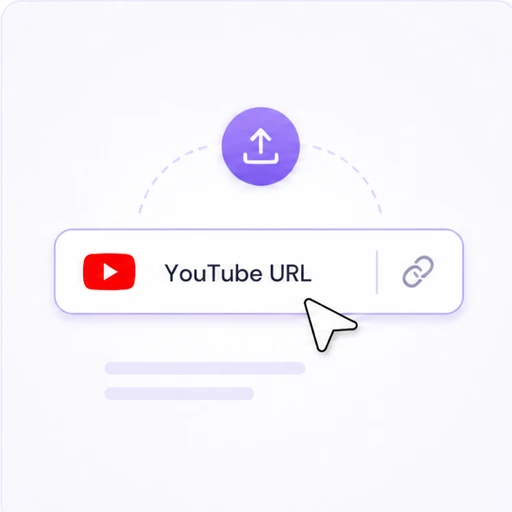
Select a model for your video and paste the YouTube link. Different models offer different balances of speed and translation quality.
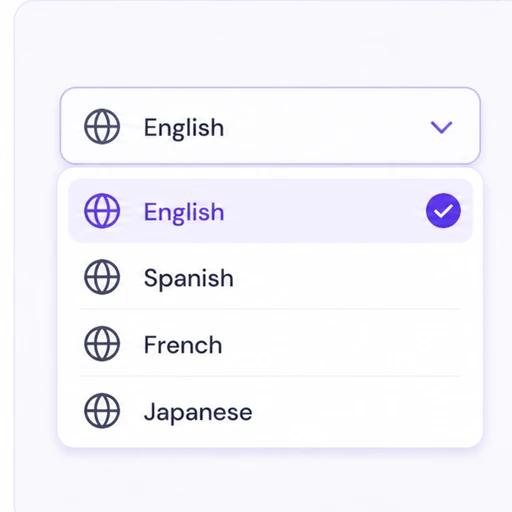
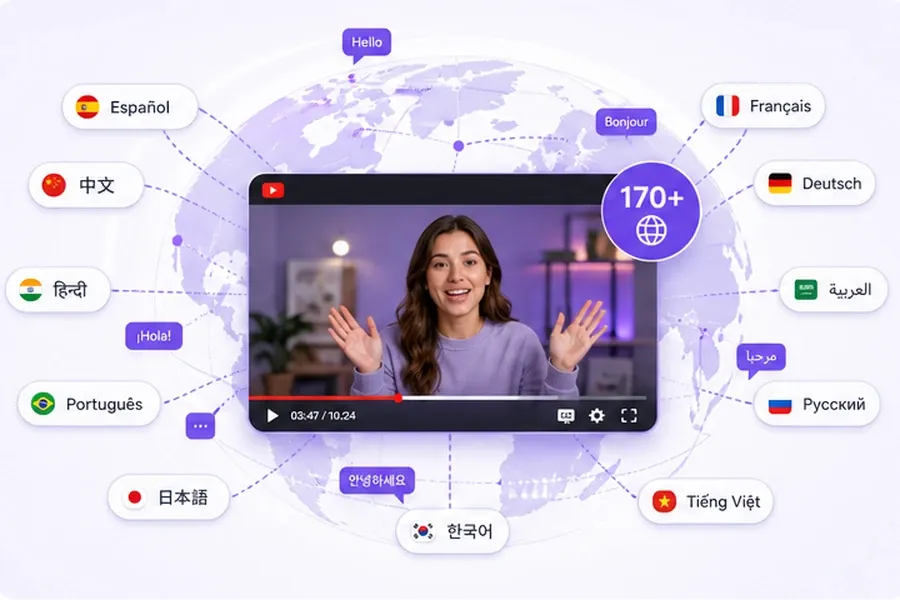
Choose from 170+ supported languages and translate your video without downloading it first.
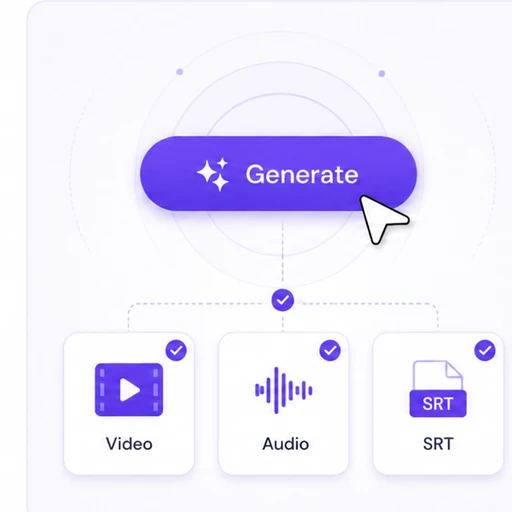
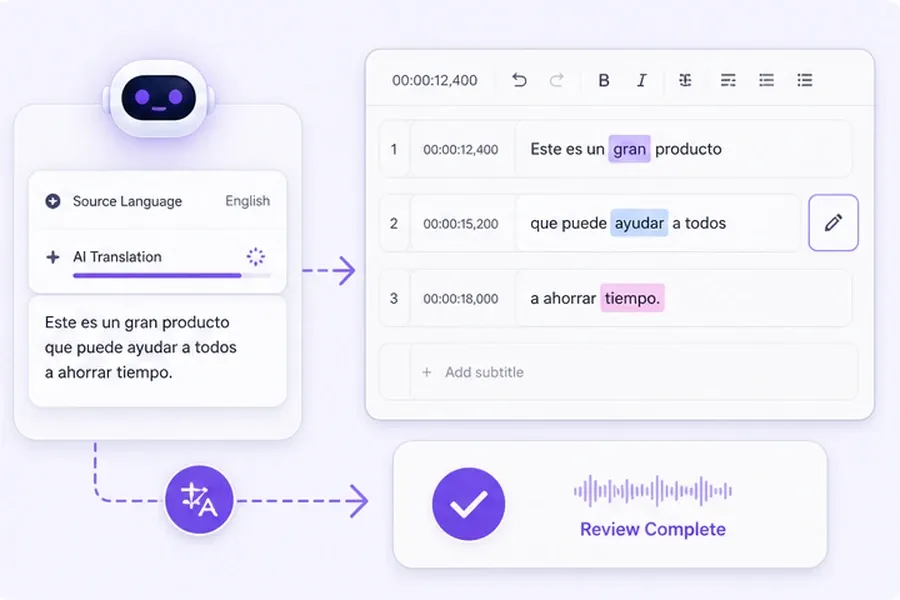
Review your translated subtitles, enable dubbing if needed, and download video, audio, or subtitle files.

We used to send every video to a translation vendor and wait days for subtitles. Now I paste the link into this YouTube video translator myself and have accurate subtitles back before my next upload.

This YouTube video translator transformed our workflow. The lip sync feels incredibly natural, and our European audiences now watch translated videos without asking whether the content was originally in another language.

I can translate a YouTube video in about the time it takes to make coffee. Paste the link, pick a language, review the subtitles, and it's done — no downloading, no separate editing software.

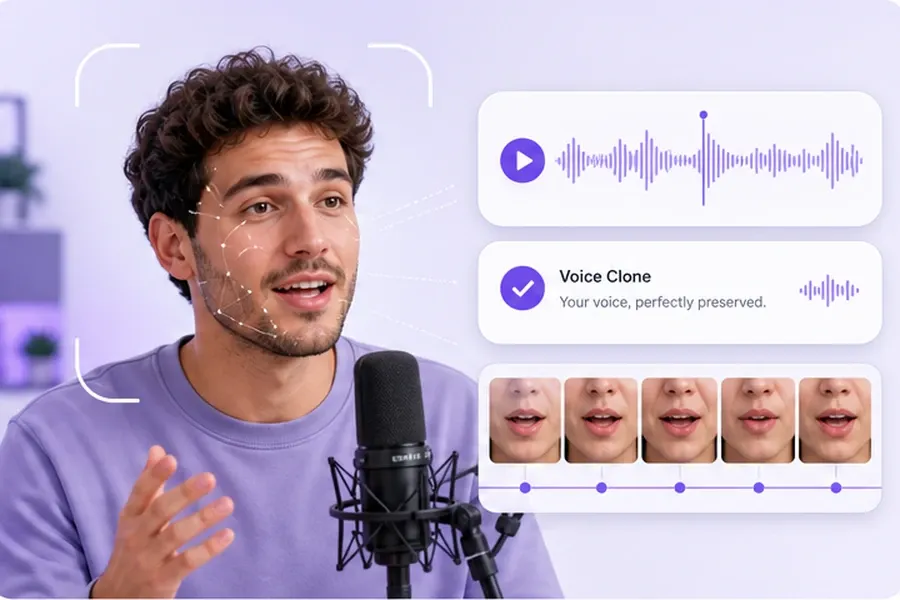
Voice cloning keeps our instructor's actual tone intact, which matters for compliance training. We translate her videos into Spanish and Portuguese now, and employees say it still sounds like her, just in another language.

We translate YouTube videos for three different markets every week now, without hiring extra voice talent for each one. The dubbing quality is good enough that viewers rarely realize it wasn't recorded in their language.

Our product tutorials get reused across every regional store page now. This YouTube video translator doesn't trip up on technical terms the way cheaper tools used to, so nothing needs a second manual review before it ships.
Translate, dub, and adapt videos for viewers worldwide
Clone any voice from a short sample and create natural speech in minutes.
Generate accurate AI subtitles for any video in seconds
Turn your text to audio, supports a rich sound library