

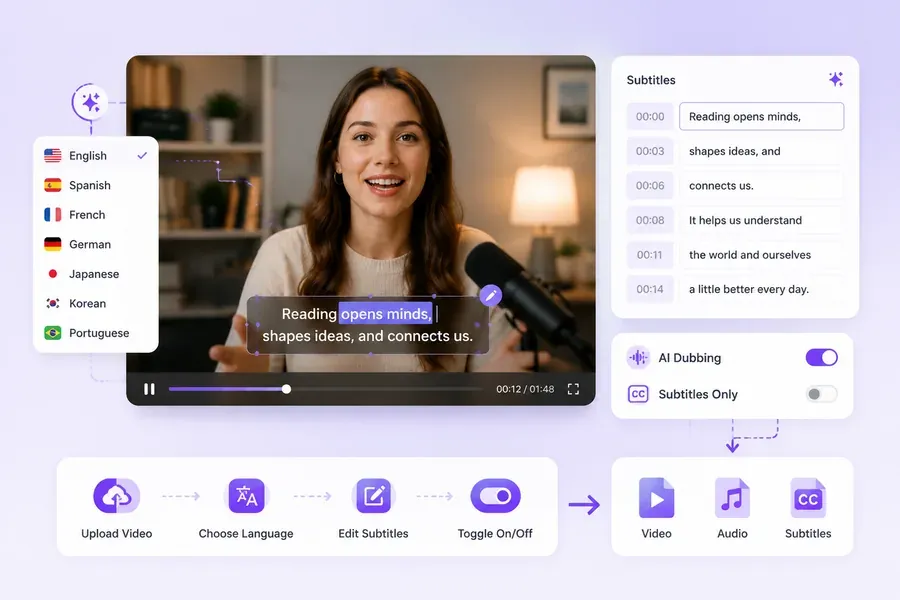
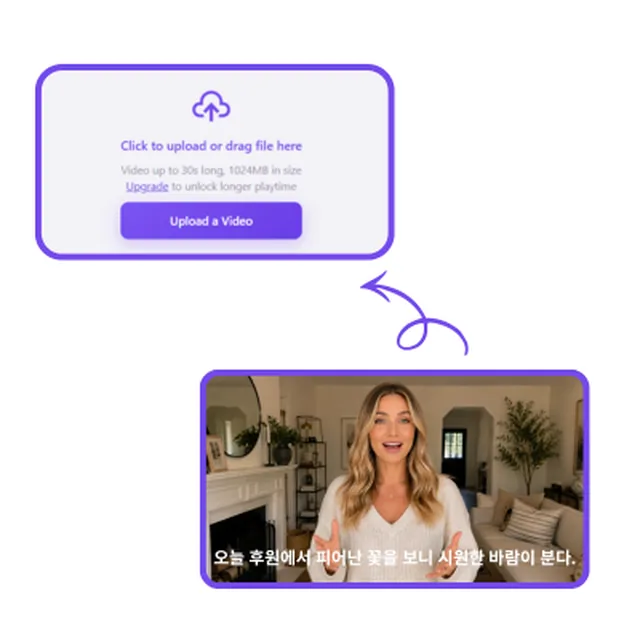
Step1: Upload Video
Upload the video you want to translate, then select the language you'd like to translate it into.
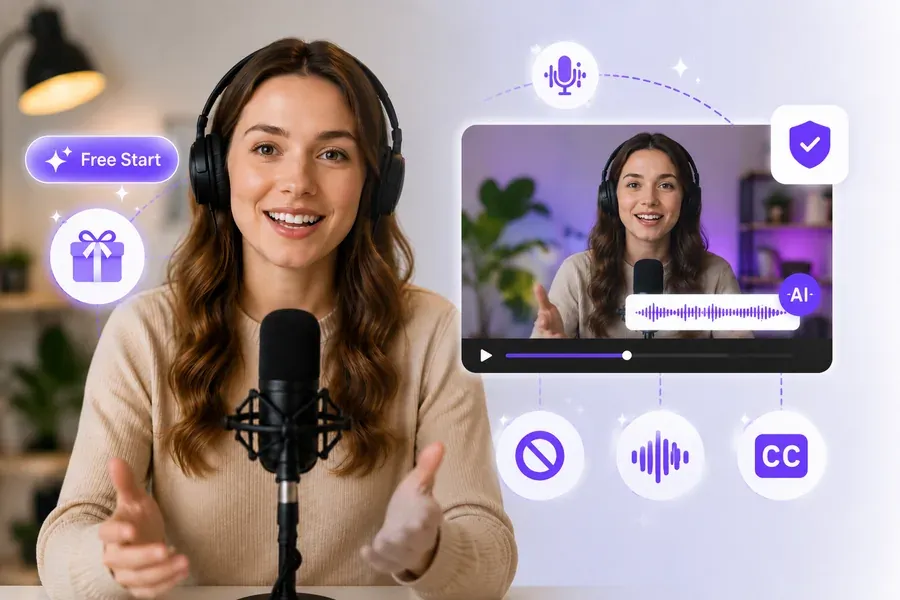
Translate your video into 20+ languages with 100+ voices — try it free with daily credits,
no sign-up needed.
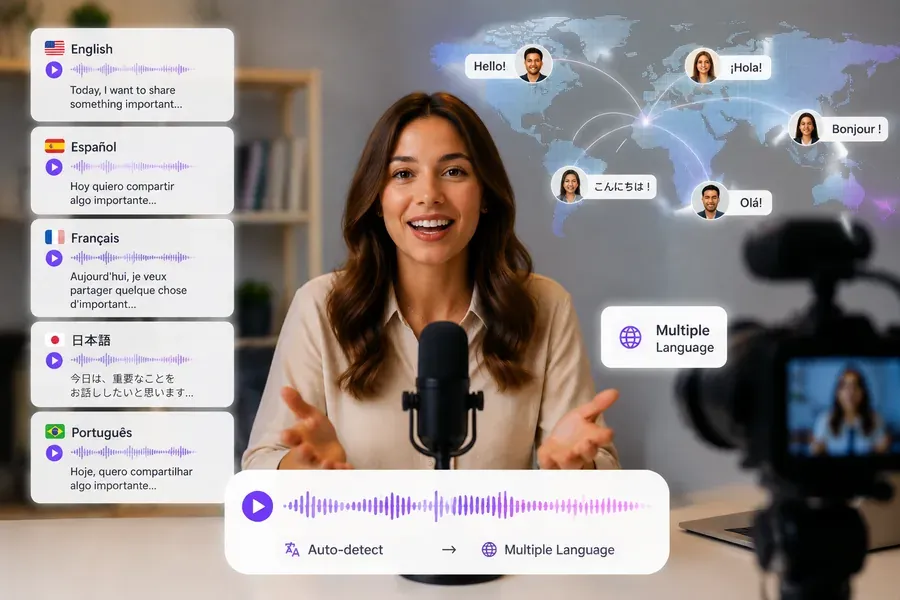
Watch how one video is translated into multiple languages with natural AI voices and localized delivery.
Upload the video you want to translate, then select the language you'd like to translate it into.
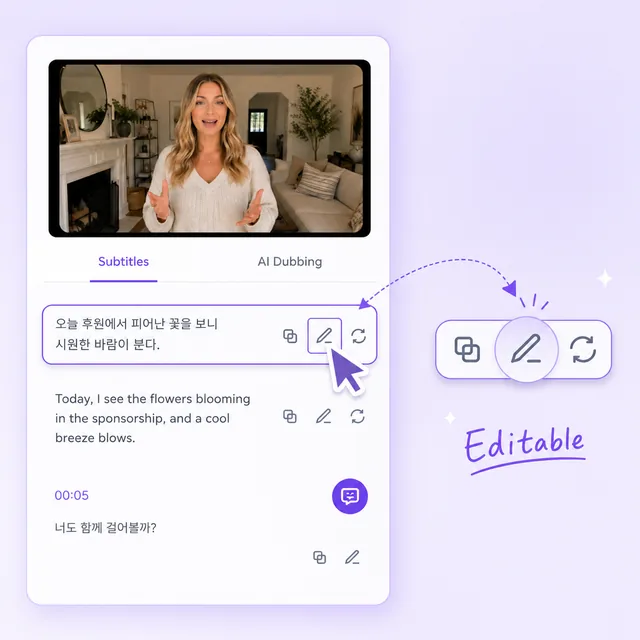
Review and edit the translated subtitles, choose whether to add AI dubbing, and decide if subtitles should show in the final video.
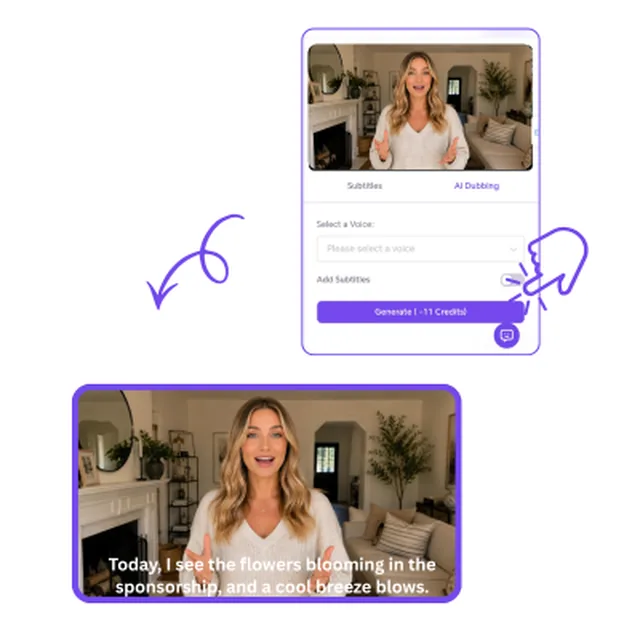
Click generate, then download the video, audio, and subtitles as separate files.

"I use this AI video translator to turn my Spanish gaming videos into English and Portuguese, reaching audiences worldwide I never had before. Captions drop right into YouTube Studio — same channel, way more views."

"This free AI video translator turned our Mandarin product demo into Japanese and English versions in under ten minutes — no manual transcription, no formatting headaches. It even separated the host and the voiceover correctly."

"We onboard teams across Southeast Asia and Europe. I upload one training video and export dubbed versions for regions that want spoken translation, plus SRT files for teams that prefer captions. One workflow, both formats."

"I used to hire freelance translators to localize my Hindi course videos — slow and expensive. Now I use this free AI video translator to get English and Spanish versions, voice and all, in minutes instead of weeks."

"We translate gameplay trailers into six languages for Steam and socials. The subtitle-only export means we keep the original audio but add local-language captions. Exactly what we needed — no forced dubbing we didn't ask for."

"We needed to translate video for a 12-minute product launch — English and German subtitles for the website, plus dubbed clips for paid ads. Did it all from one upload, and the output formats matched what each platform asked for."