AI Dubbing
Subscribe and enjoy up to 50% off! Try Now→
Pricing
0

Free AI Subtitle Generator

Upload your video, get accurate subtitles in minutes, then edit the text and fine-tune timing down to the second before you export.
Click to upload or drag file here
Video up to 15s long, 1024MB in size
Upgrade to unlock longer playtime
History
What Is an AI Subtitle Generator

What Is an AI Subtitle Generator

An AI subtitle generator uses automatic speech recognition to transcribe spoken audio into timed captions. Instead of manually typing and timestamping every line, the AI handles transcription and timing in minutes. You review the text, adjust anything that's off, and export the subtitle file you need.

Why Choose Our AI Subtitle Generator

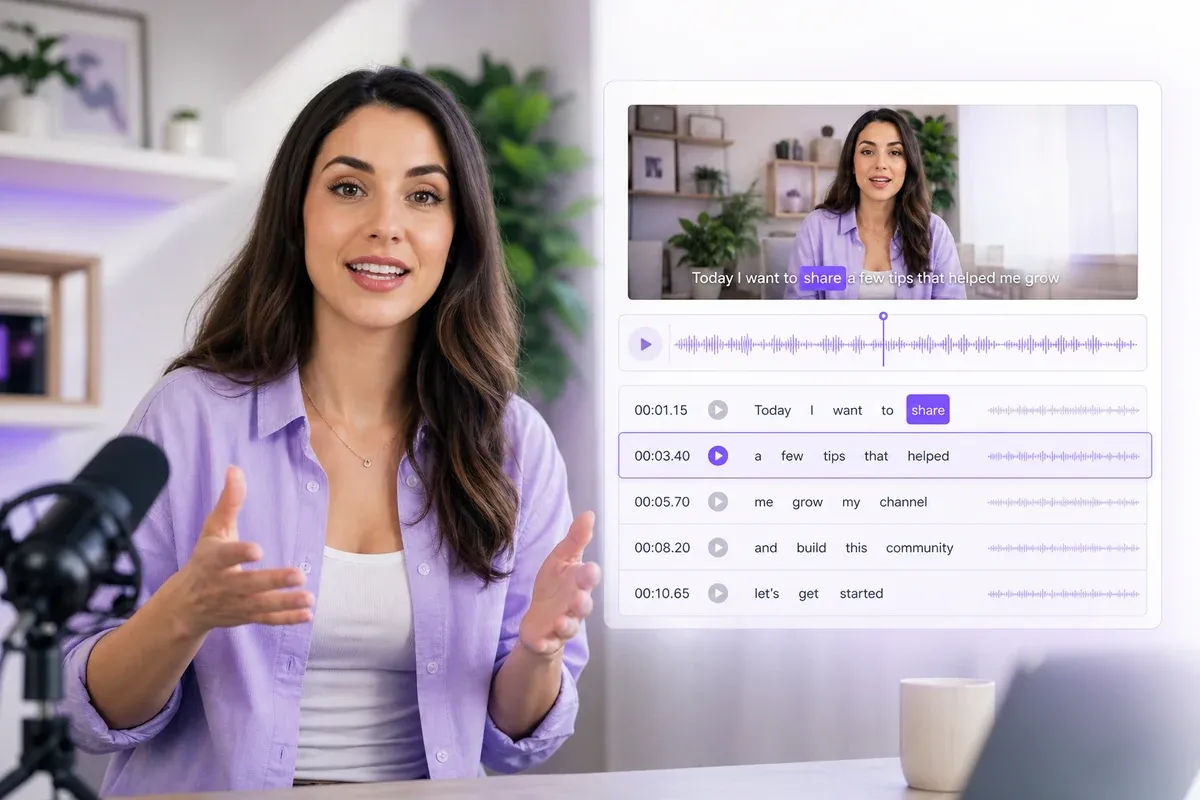
AI-generated subtitles ready for review

Auto Subtitles with high Accuracy

The AI subtitle generator delivers accurate transcription on clear speech, so most lines are correct on the first pass. You're not starting from a rough draft full of errors — you're reviewing and polishing a transcript that's already close to right before you export.
Creators using AI subtitle generation across supported languages

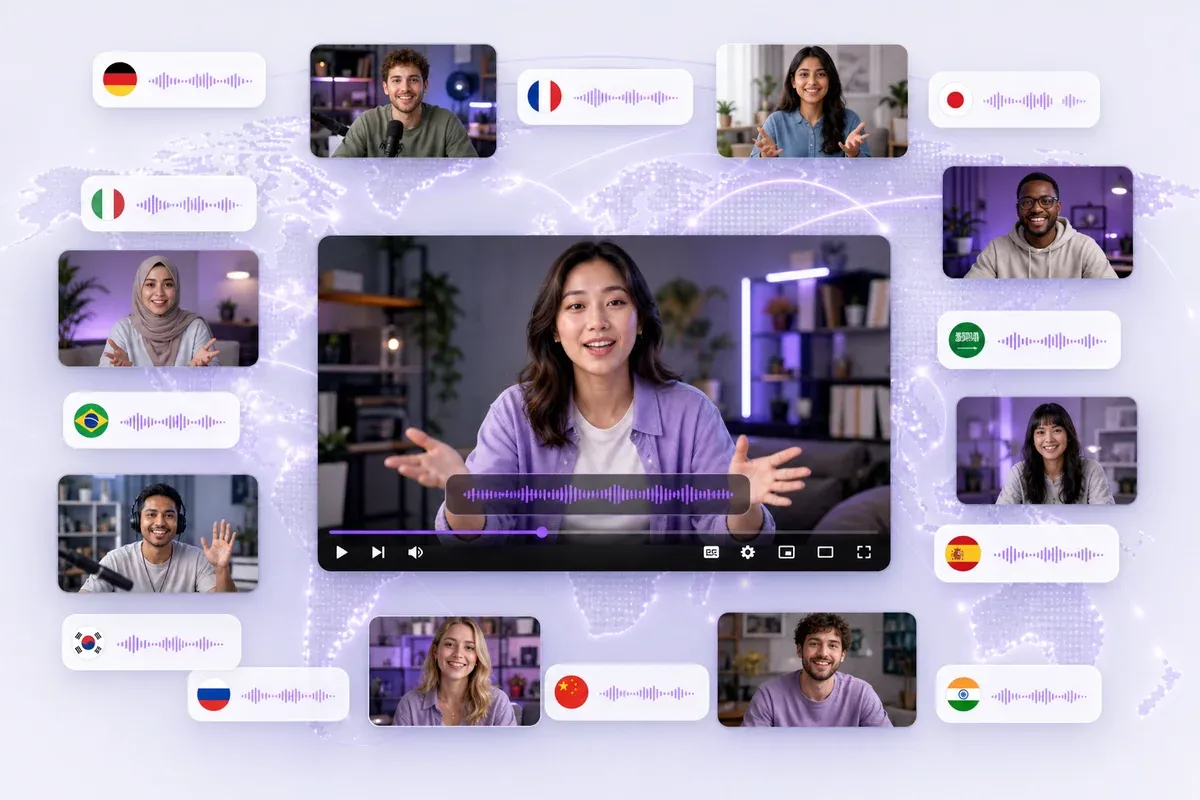
60 Languages Supported

Upload video or audio in any of 60 supported languages and get accurate subtitles back — no need to hunt for a specialized tool for less common languages. As a bonus, subtitle text is crawlable by search engines, giving your video an SEO boost in every language you publish.
Editing subtitle text with precise timing controls

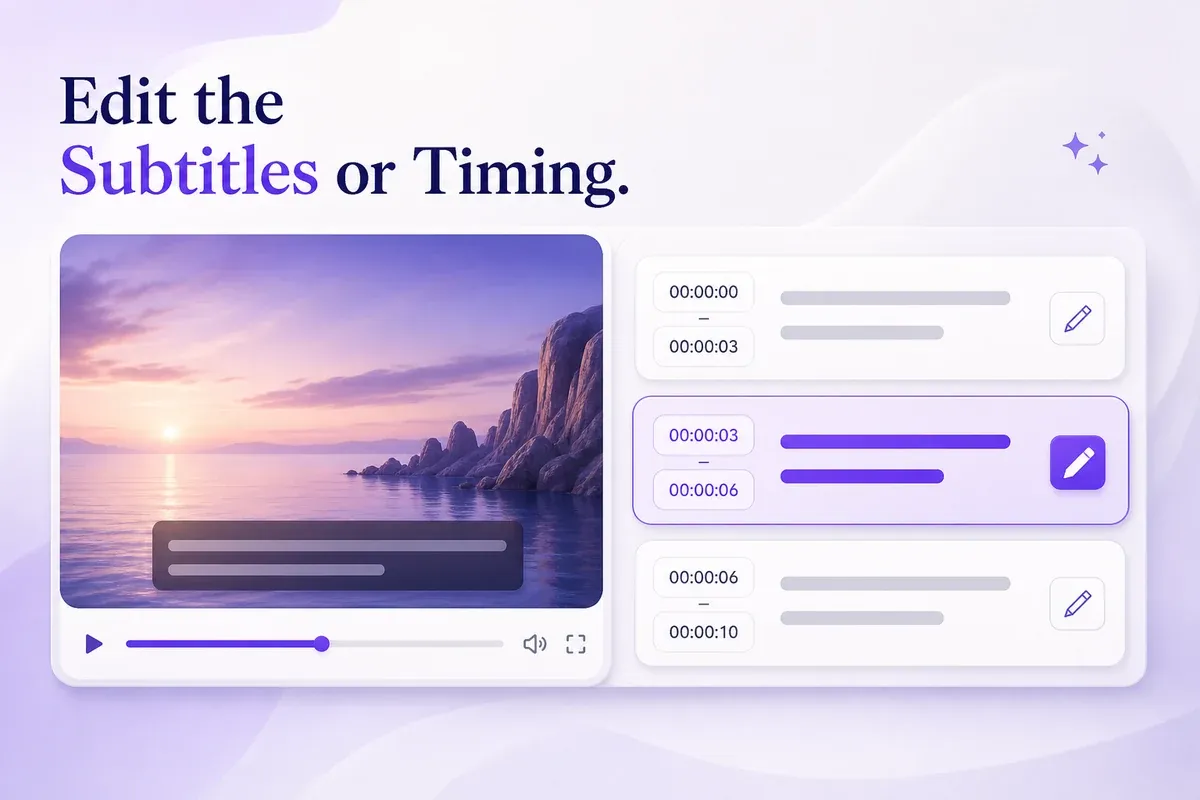
Edit Every Line, Down to the Second

Auto-generated subtitles aren't always perfect on names, accents, or technical terms. Every line of text is editable, and timing can be fine-tuned to the exact second — so you correct precisely instead of settling for a rough, auto-synced result.
A creator generating subtitles without a sign-up form

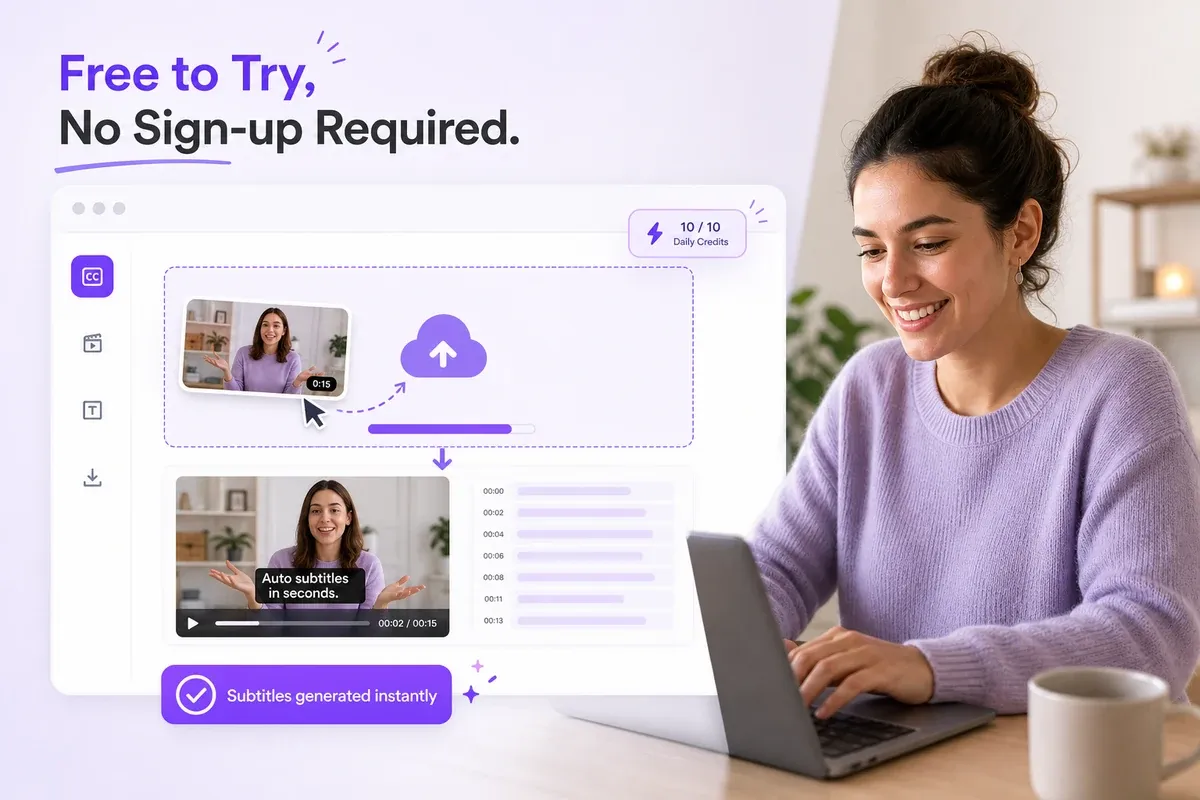
Free to Try, No Sign-up Required

This free AI subtitle generator gives you daily credits to test generation before creating an account — no credit card needed to check accuracy on your own video first. You only sign up once you're ready to save your work or need commercial usage rights.

How to Generate Subtitles with AI

Upload Your Video

Upload Your Video

Add your video file and the AI subtitle generator starts transcribing the audio right away.
Edit the Subtitles or Timing

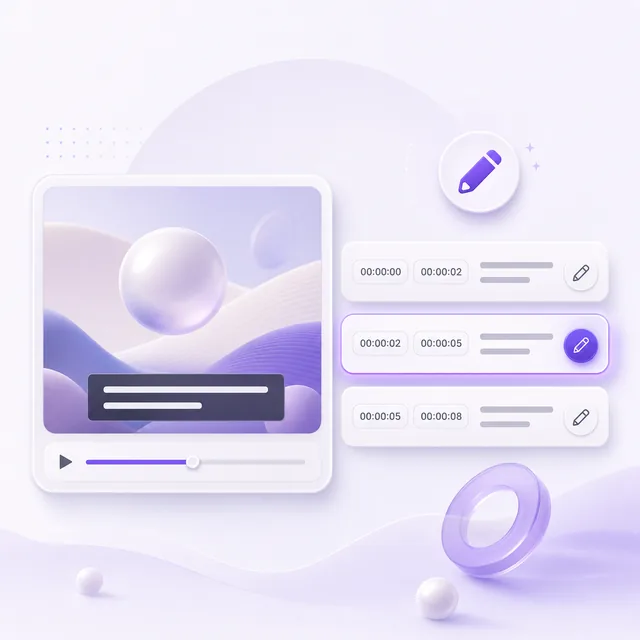
Edit the Subtitles or Timing

Fix any text and adjust the timing to the exact second until it matches your video.
Download Your Subtitles

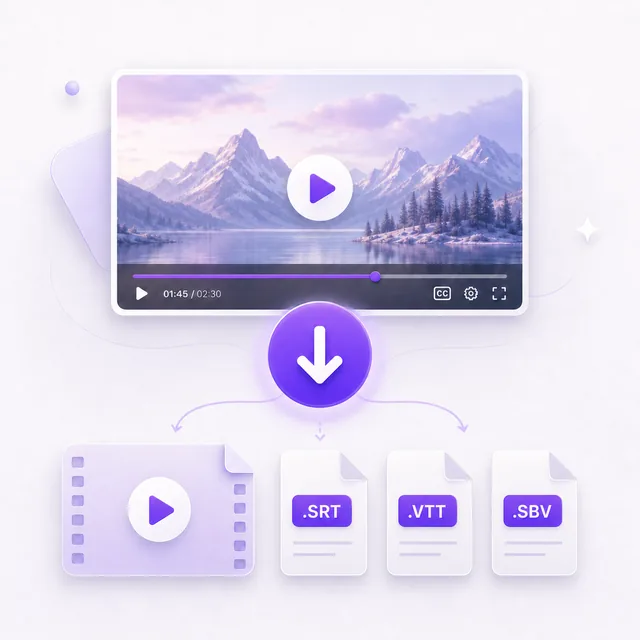
Download Your Subtitles

Export your edited captions as an SRT, VTT or SBV subtitle file for use with your video.

AI Subtitle Generator vs. Manual Subtitles

AI Subtitle Generator Manual/Human Subtitles
Speed Roughly 1–2x the video's length (a few minutes for a typical clip) Roughly 4–6x the video's length, often stretching to hours or days
Cost Free to try, then roughly $0.05–0.15 per minute of video for most AI tools $1–3 per minute for professional transcription services
Accuracy — clear speech High, close to human-level on clean audio Highest, consistent regardless of audio quality
Accuracy — accents, noise, jargon Lower; may need manual correction More reliable for technical or niche content
Scalability Scales linearly — captioning 100 videos takes about the same effort as captioning one Limited by how many transcribers you can hire or afford
Editing Editable text and timing before export Built into the human workflow

Trusted by Creators, Educators, and Teams

I run a small YouTube channel and used to spend an hour just typing out captions. This AI subtitle generator cut that down to a few minutes of tweaking instead of writing everything from scratch.

We record every client meeting and need a text version for our files. This auto subtitle generator caught almost everything — I just had to fix a couple of names it didn't catch.

I teach an online course and add subtitles to every lecture video for accessibility. Being able to try a free AI subtitle generator before committing to anything made it an easy decision.

Our HR team uses this AI subtitle generator for internal training videos. Being able to download the subtitle file made it easy to plug accurate captions into our existing LMS.

I host a podcast that we also publish as video clips. This auto subtitle generator handles the captions so I can focus on editing the actual content instead.

As a marketer, most of our ad clips get watched on mute. I use this free ai subtitle generator every time we export a new cut, and it's just part of the workflow now.

Frequently Asked Questions

Is this AI subtitle generator free?

How many languages are supported?

What video formats can I upload?

Can I edit the subtitles after they're generated?

How do I fix subtitle timing that's out of sync?

Is my uploaded video kept private?

Can I use the subtitles commercially?

What do I get when I export?

Can I translate the subtitles into another language?