AI Dubbing
Subscribe and enjoy up to 50% off! Try Now→
Pricing
0

Free PDF to Audio Converter

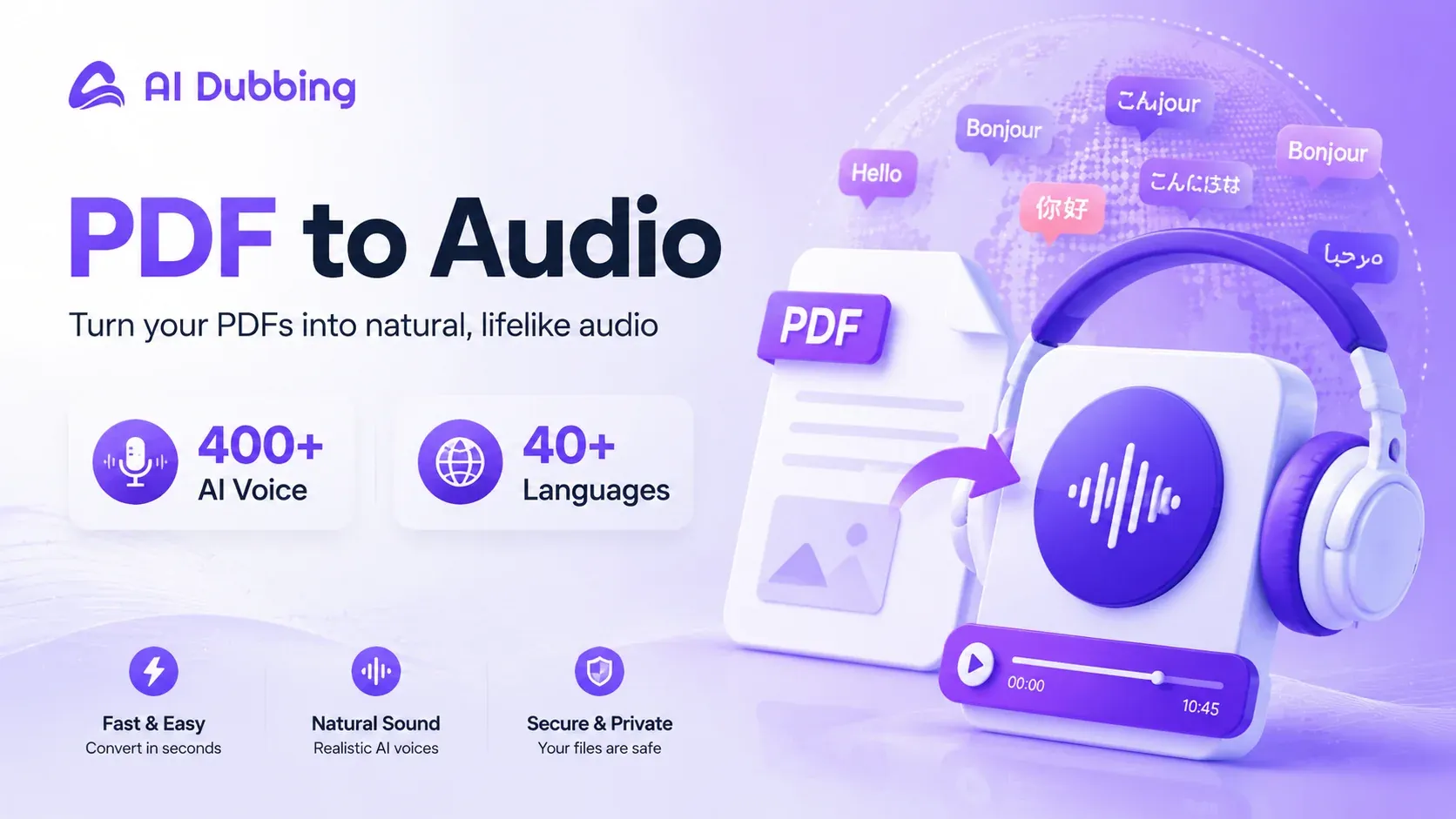
Convert text-based PDFs into natural-sounding audio with 400+ AI voices across 40+ languages for free.

PDF Document
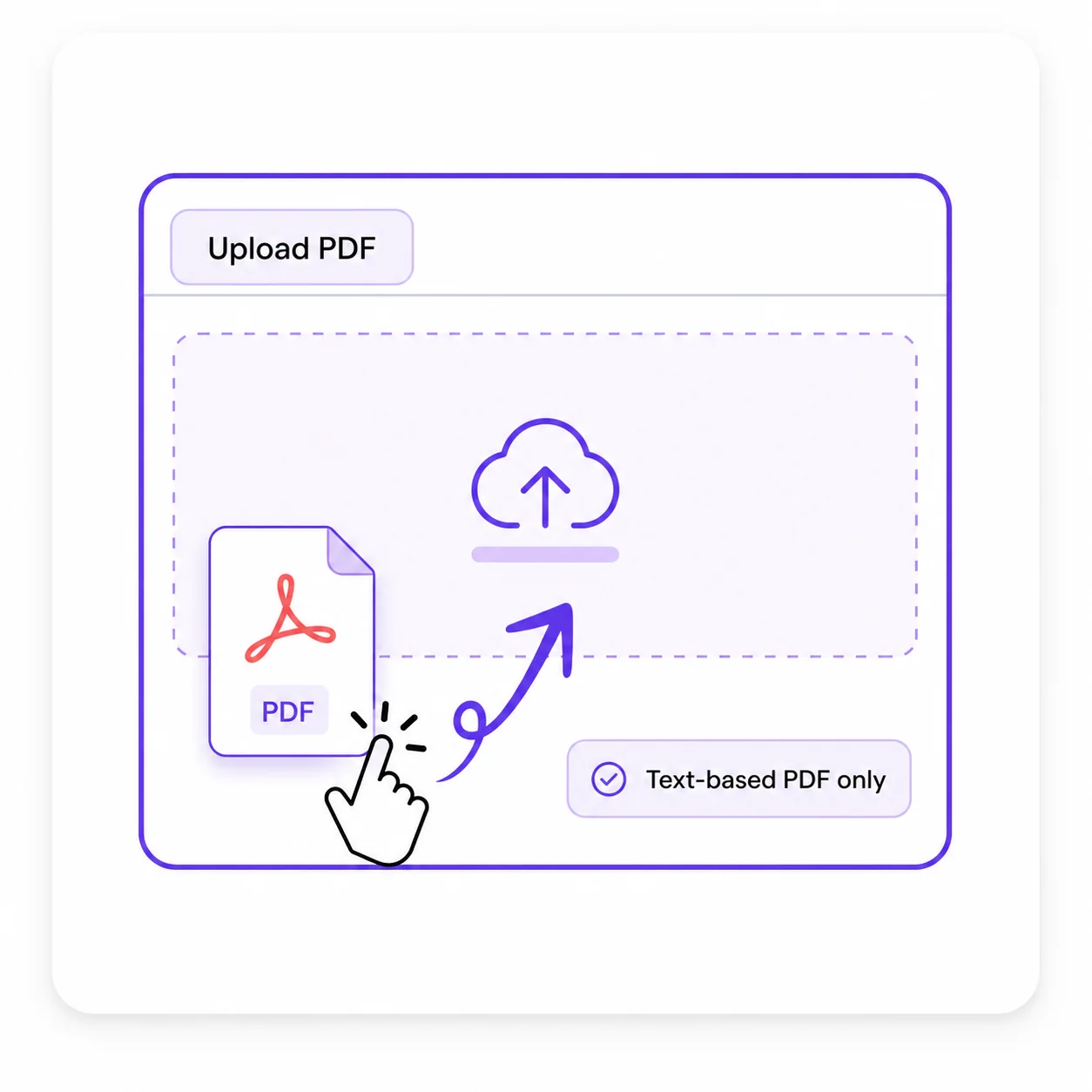
Click to upload or drag your PDF here

Upload a text-based PDF, up to 30MB.

Trustworthy Male English Male
History

No records yet.

Listen to Voice Samples

Before convert pdf to audio, listen to sample voices from our 400+ library.

Sweet Female Voice
Deep Male Voice
Lively Child Voice
Professional Broadcasting
Sweet Female Voice - Xiaoya

Gentle and sweet female voice, suitable for audiobooks and customer service scenarios
0:00 / 0:00
What Is a PDF to Audio Converter?

What Is a PDF to Audio Converter?

A PDF to audio converter extracts selectable text from a PDF and turns it into spoken narration using text-to-speech technology. Choose an AI voice, generate the audio, and listen to the document instead of reading every page on a screen.

How to Turn PDF Text into Audio

Upload your PDF

Upload your PDF

Drag and drop a text-based PDF file to get started.
Choose a voice

Choose a voice

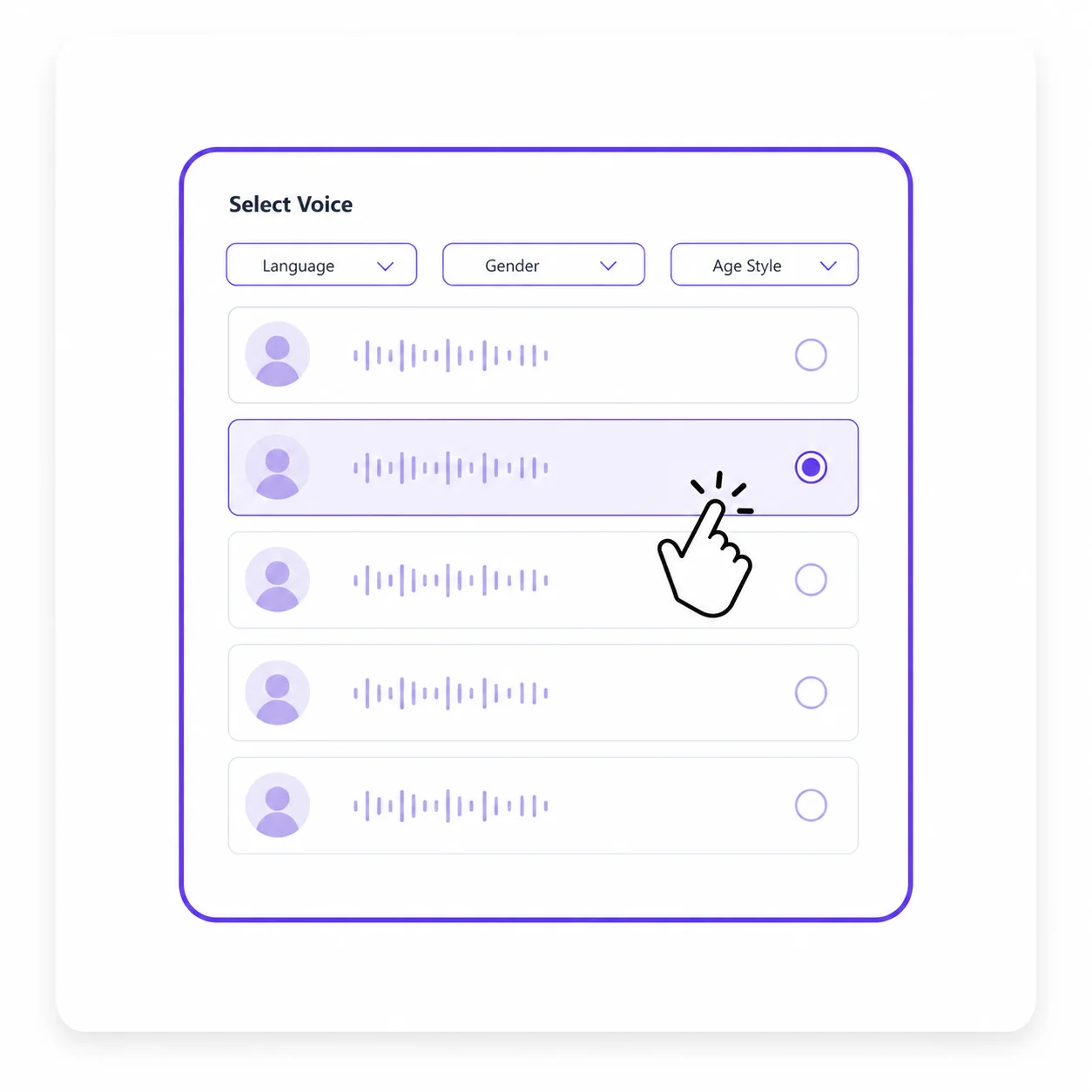
Filter 400+ voices by language, gender, and age style, then preview your preferred narration.
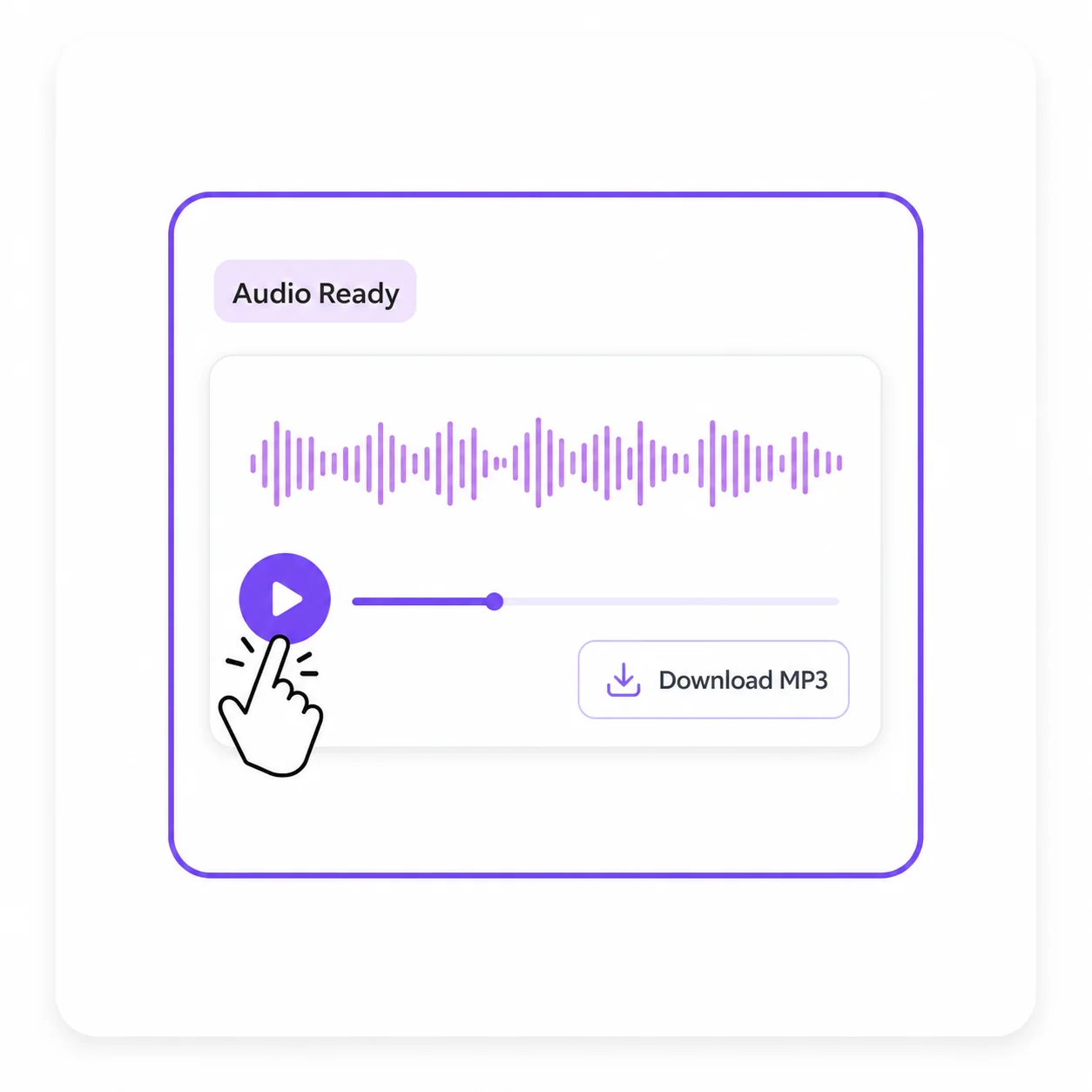
Download your audio

Download your audio

Review the required credits, start the conversion, and listen to the completed audio when processing finishes.
Why Choose Our PDF to Audio Converter

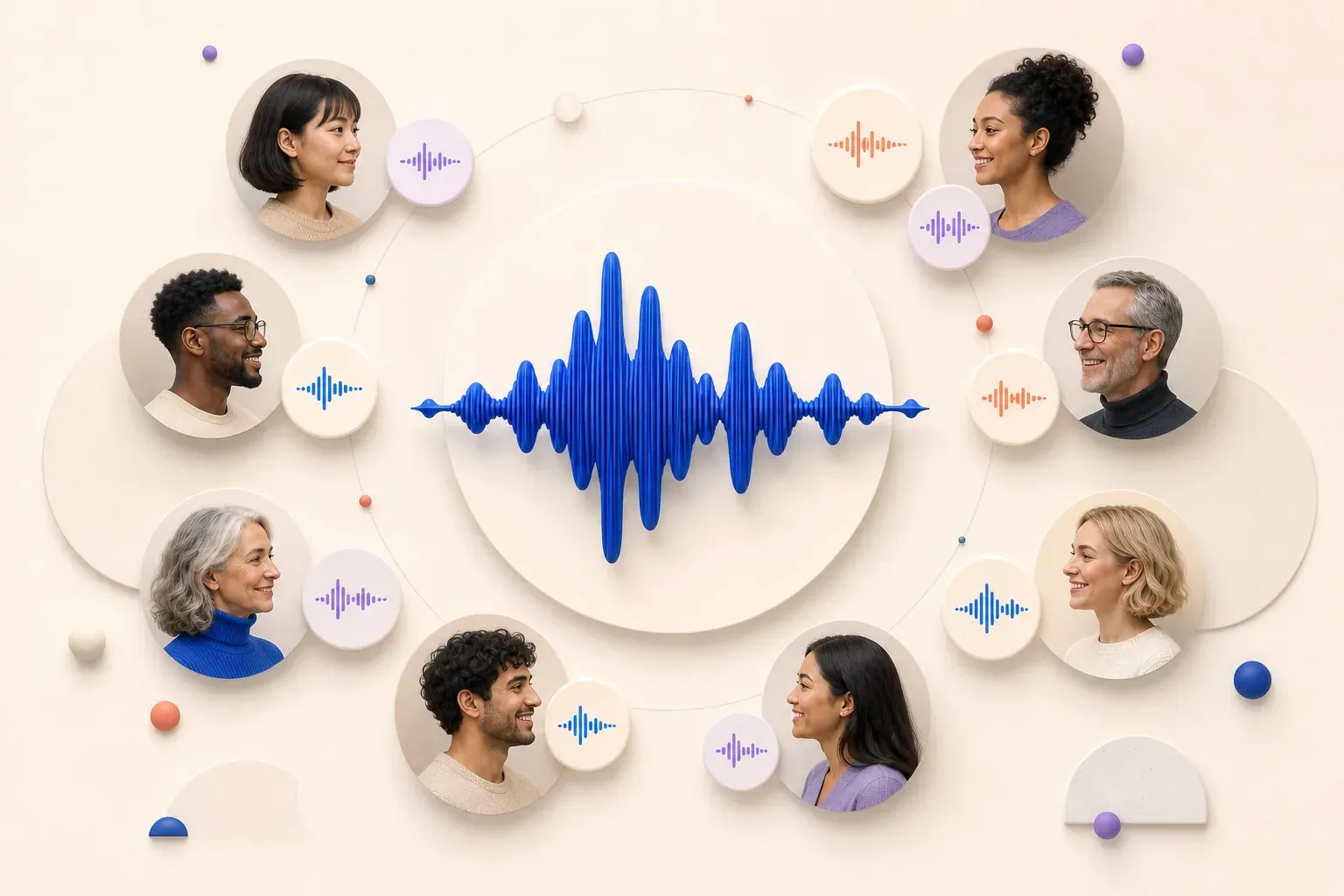
400+ Natural AI Voices

400+ Natural AI Voices

This PDF to audio converter gives you access to over 400 real, natural-sounding voices — not the flat, robotic tone you get from older readers. You can also adjust the emotion of the narration, so a novel doesn't sound like a spreadsheet.
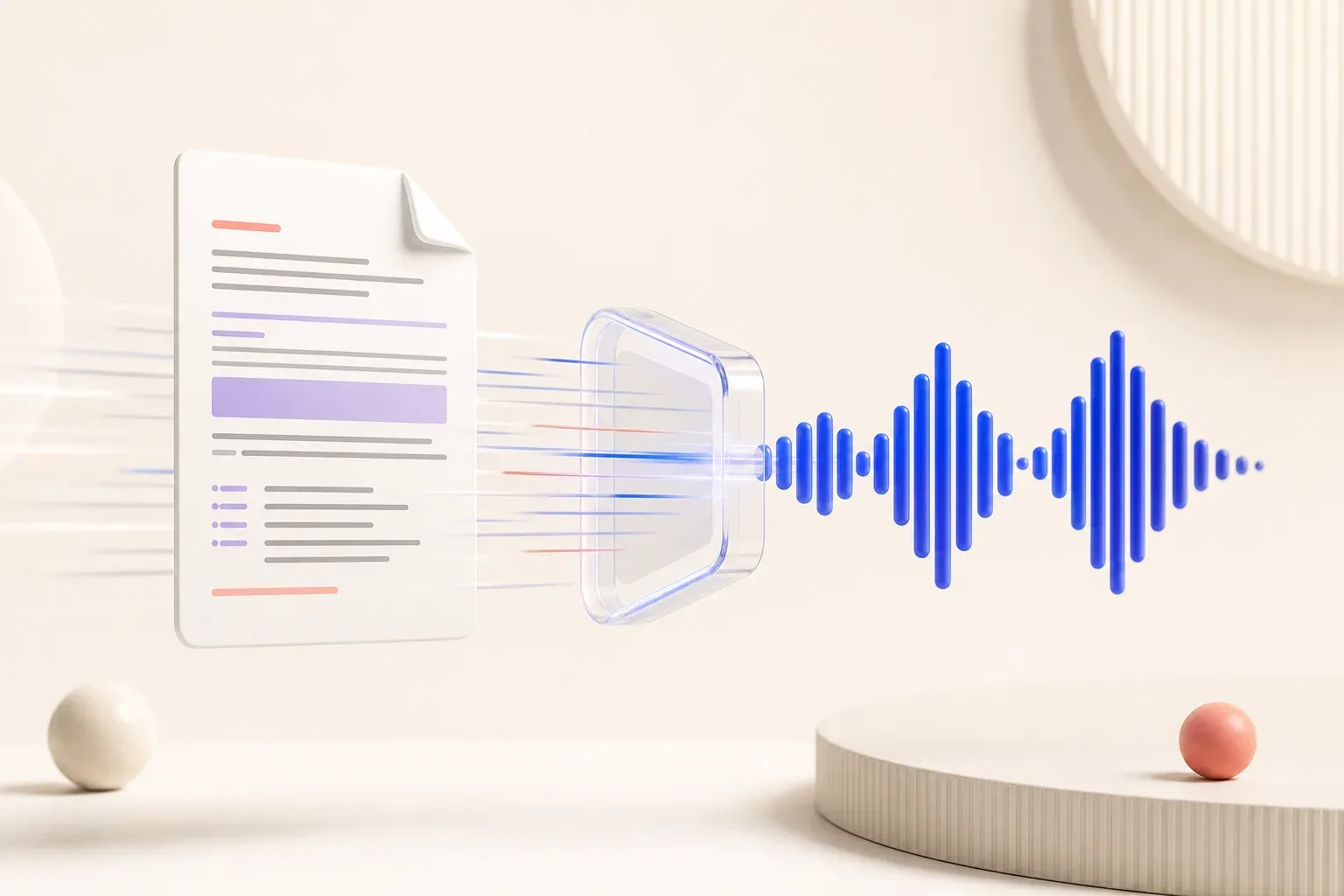
Fast, Text-Based Conversion

Fast, Text-Based Conversion

Built specifically for digital, text-based files — ebooks, reports, articles, and research papers — this pdf text to audio process extracts clean text before generating audio. That means fewer misread words and a more natural listening experience than tools that try to guess at messy or scanned content.
Free Daily Credits, Simple Workflow

Free Daily Credits, Simple Workflow

You don't need a subscription to keep using this PDF to audiotool — log in every day and you'll receive 30 free credits automatically, enough to convert regularly without hitting a paywall on your first file. Every conversion produces a single, clean MP3 file — no proprietary app, no special player, no watermark. Drop it into your phone, car stereo, or any audio player and it just works.

What Our Users Say

Converted a 60-page report into audio for my commute — the emotion setting actually made it sound like a real narrator, not a flat text-to-speech voice.

I use this free PDF to audio converter almost every day. With 400+ voices to pick from, I can match the tone to whatever I'm converting.

Finally a pdf text to audio tool that doesn't need an app install. Straight to MP3, done in under a minute, and the voice quality genuinely surprised me.

The voice quality is genuinely good, not the choppy robotic sound I've gotten from other converters — being able to adjust emotion is a nice touch too.

This pdf to audio tool is simple and free enough to use daily for my reading list. The 30 free credits actually last me a while, and I never run out of voice options.

Uploaded a research paper and had the MP3 in under a minute. With this many voices to choose from, it never sounds the same twice.

PDF to Audio Converter FAQ

Is the PDF to audio converter free?

How many voices and languages are available?

Can I convert a scanned or image-only PDF?

Which audio formats are supported?

Is there a PDF text length limit?

Can I use the generated audio commercially?